
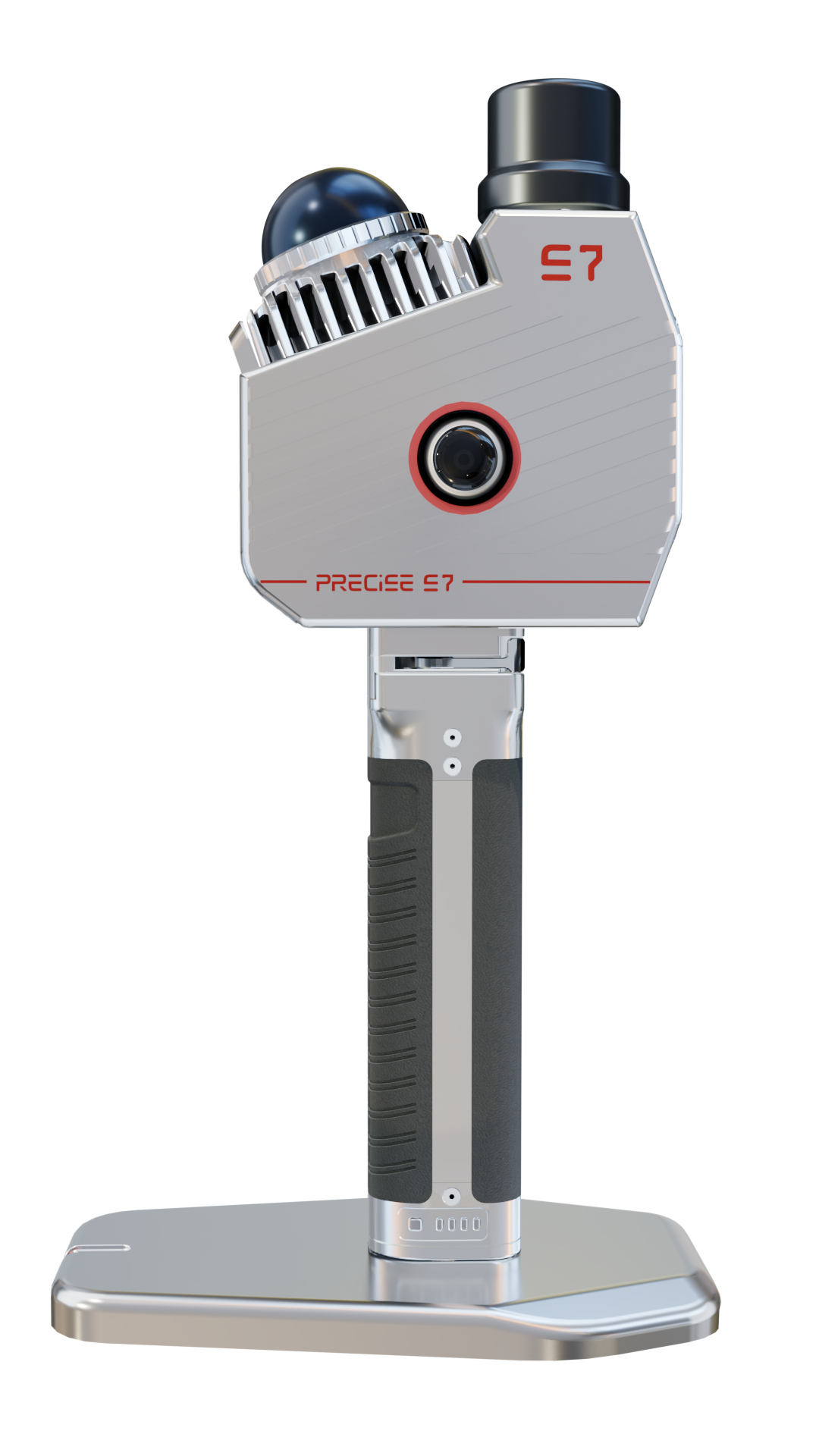
Portable 3D LiDAR Scanner
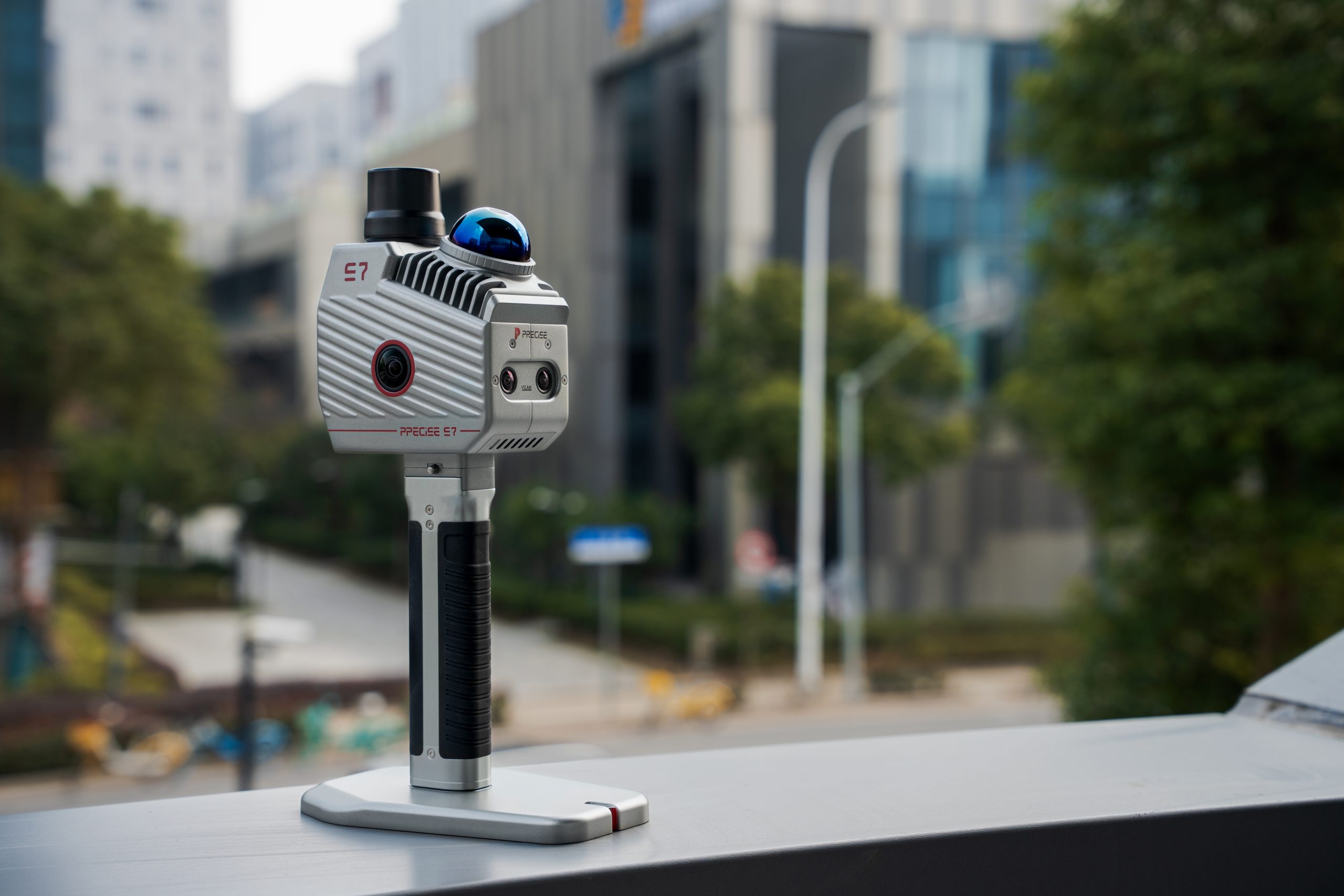
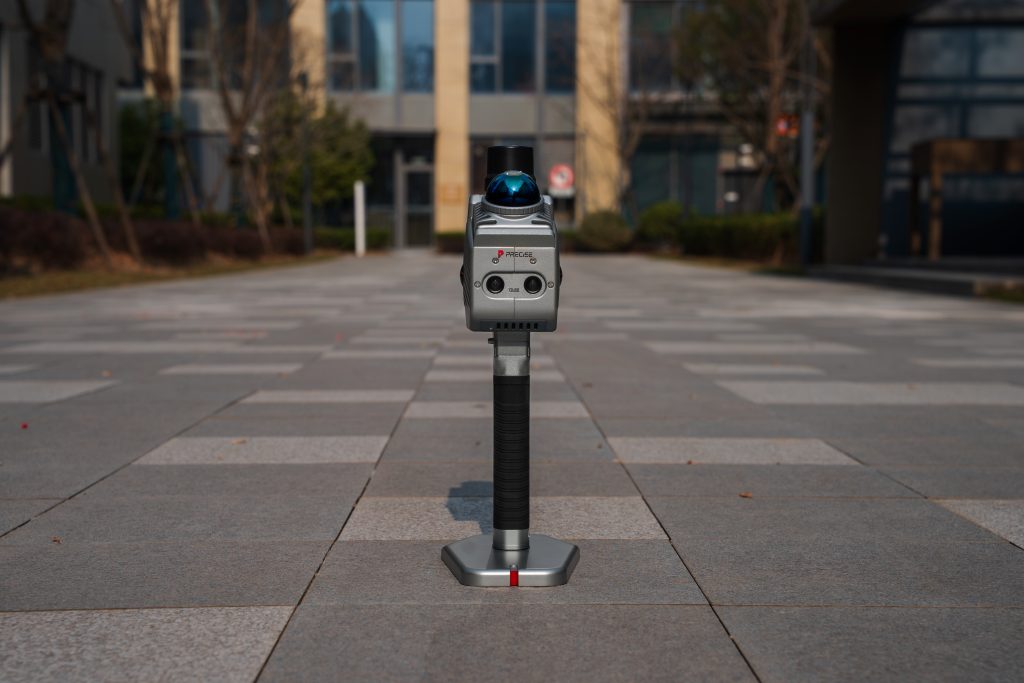
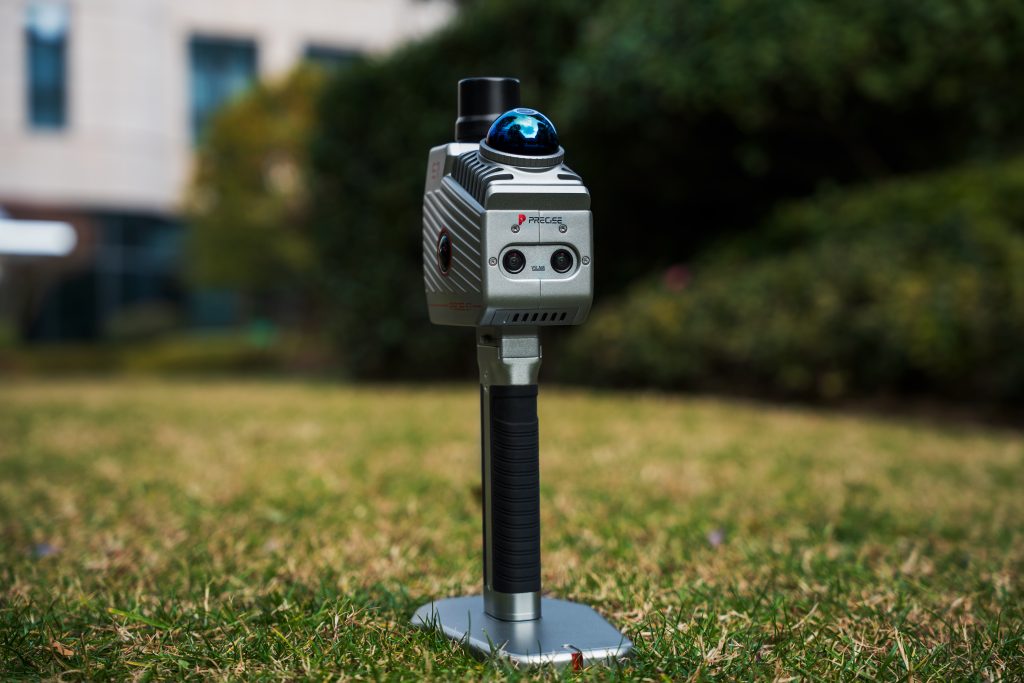
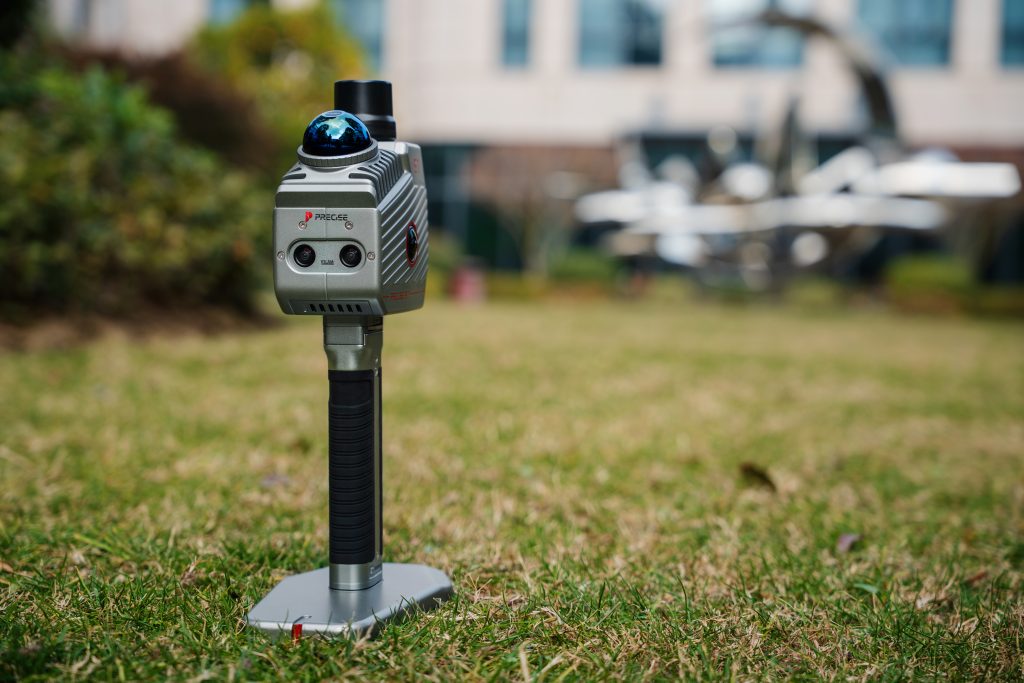
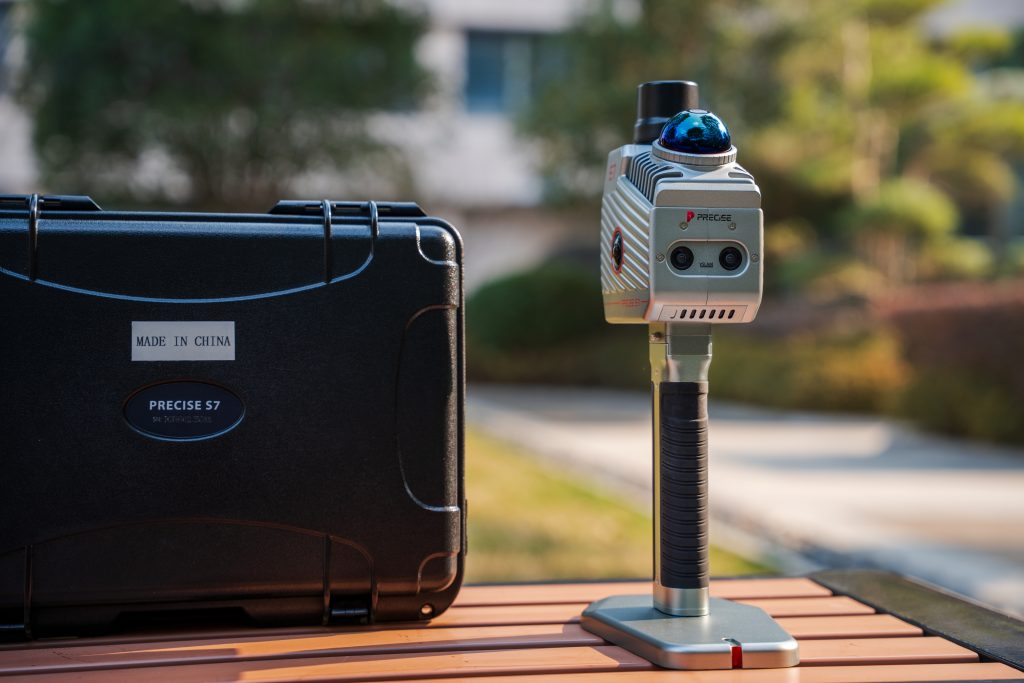
PRECISE S7
Lightweight. Limitless. Survey-Grade Precision.
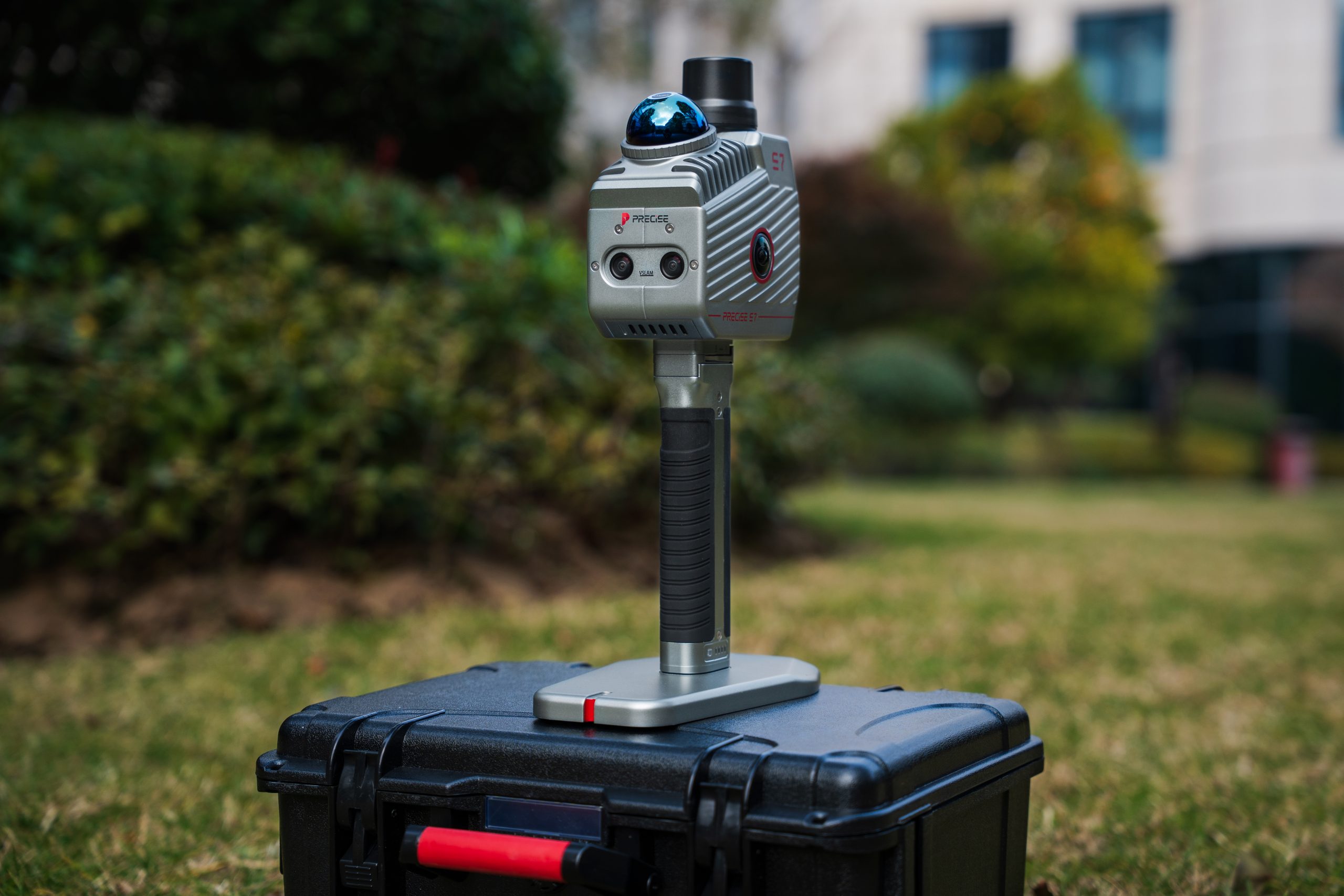
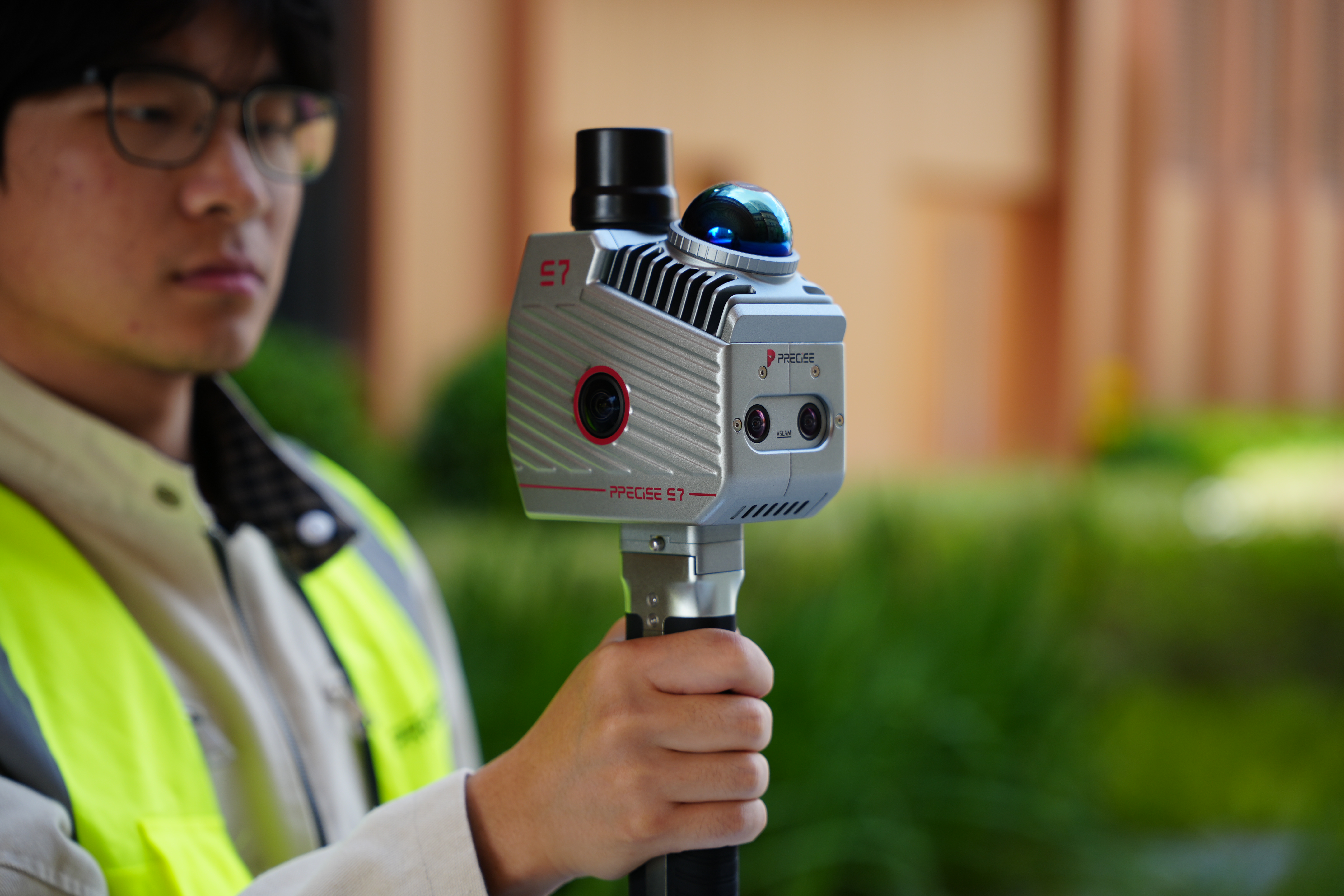
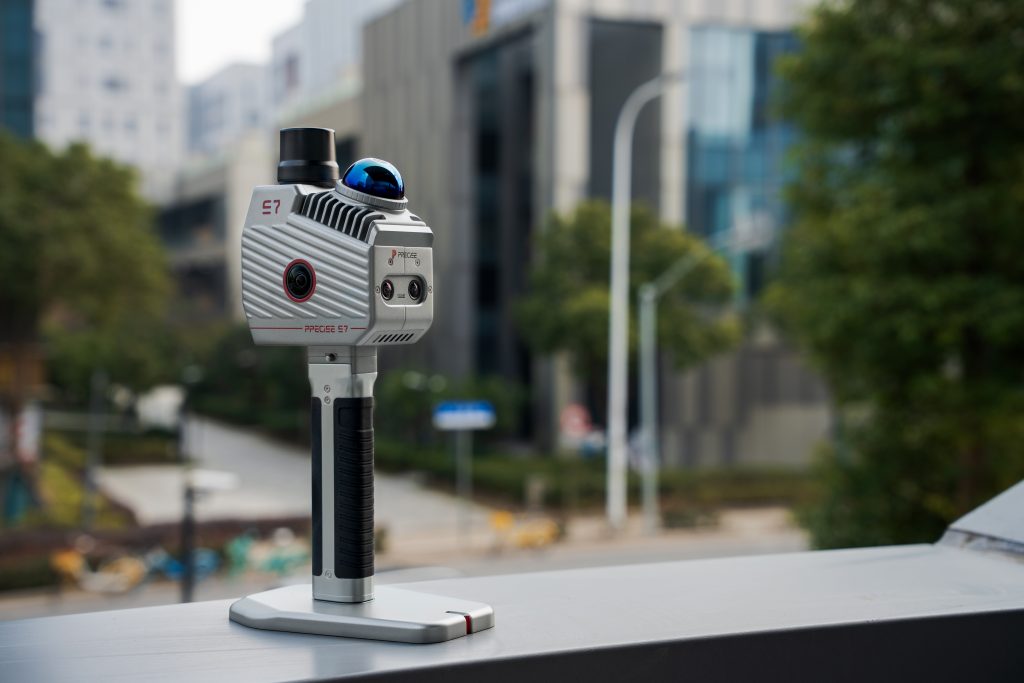
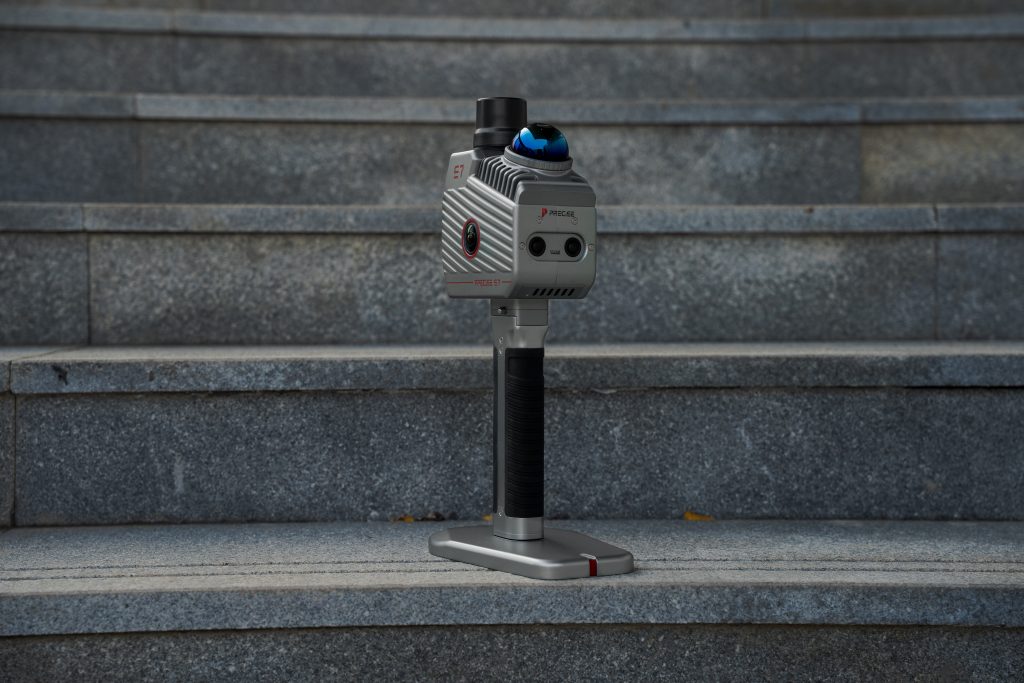
PRECISE S7 is PRECISE’s next-generation lightweight handheld spatial data capture solution
built for professionals who demand reliable results in the most challenging environments.
Powered by PRECISE’s proprietary MLF-SLAM (Multiple Localization Fusion-SLAM) technology,
PRECISE S7 eliminates the traditional dependence on environmental features,
enabling stable, high-accuracy mapping where conventional SLAM systems fail—from airports and beaches to rivers, open fields, and low-texture spaces.
One device. One scan. All the data you need.

Algorithmic Magic to Enhance ‘Precision, Reliability, and Ease’, for an Exceptional User Experience.
Super-high Fix Rate
99.9%
Our product achieves exceptional positioning accuracy.
On average, only 1 out of every 1,000 positioning attempts,
This precision ensures unparalleled reliability for critical applications.
*Fix rate and accuracy can be affected by external conditions such as multipath, obstacles, satellite geometry, and atmospheric conditions.
Breakthrough MLF-SLAM Technology
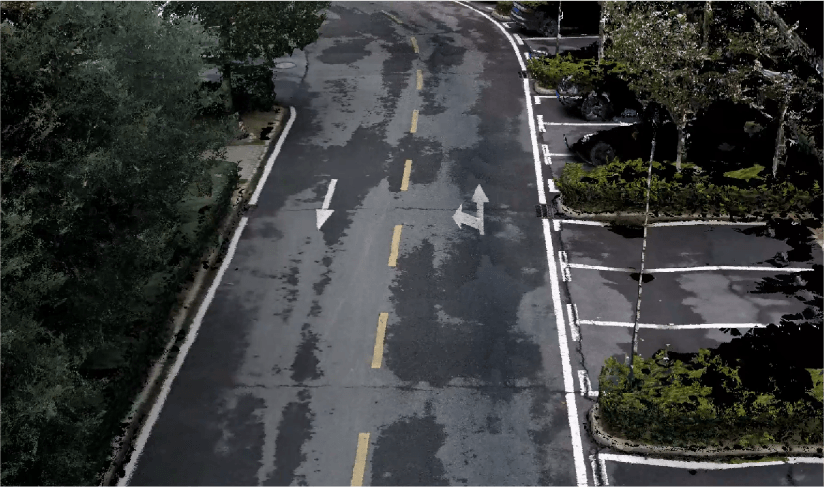
MLF-SLAM (Multiple Localization Fusion-SLAM) is PRECISE’s self-developed next-generation SLAM framework. By fusing data from multiple sensors, the system significantly reduces reliance on environmental features, ensuring stable positioning and accurate mapping across complex and challenging scenarios.
- Multi-sensor fusion localization
- Reliable performance in weak-feature and featureless
environments - High precision combined with high efficiency
- Consistent results across diverse operating conditions
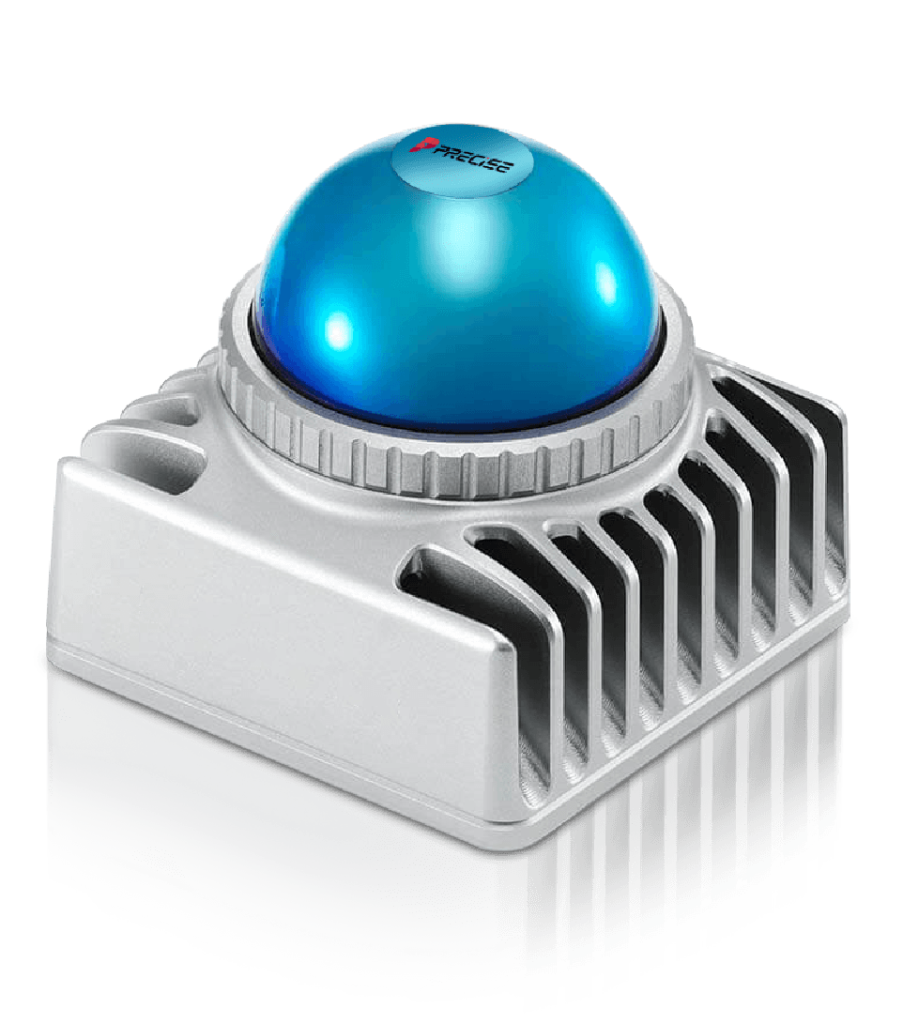
Dual High-Definition Panoramic
Dual Vision Cameras
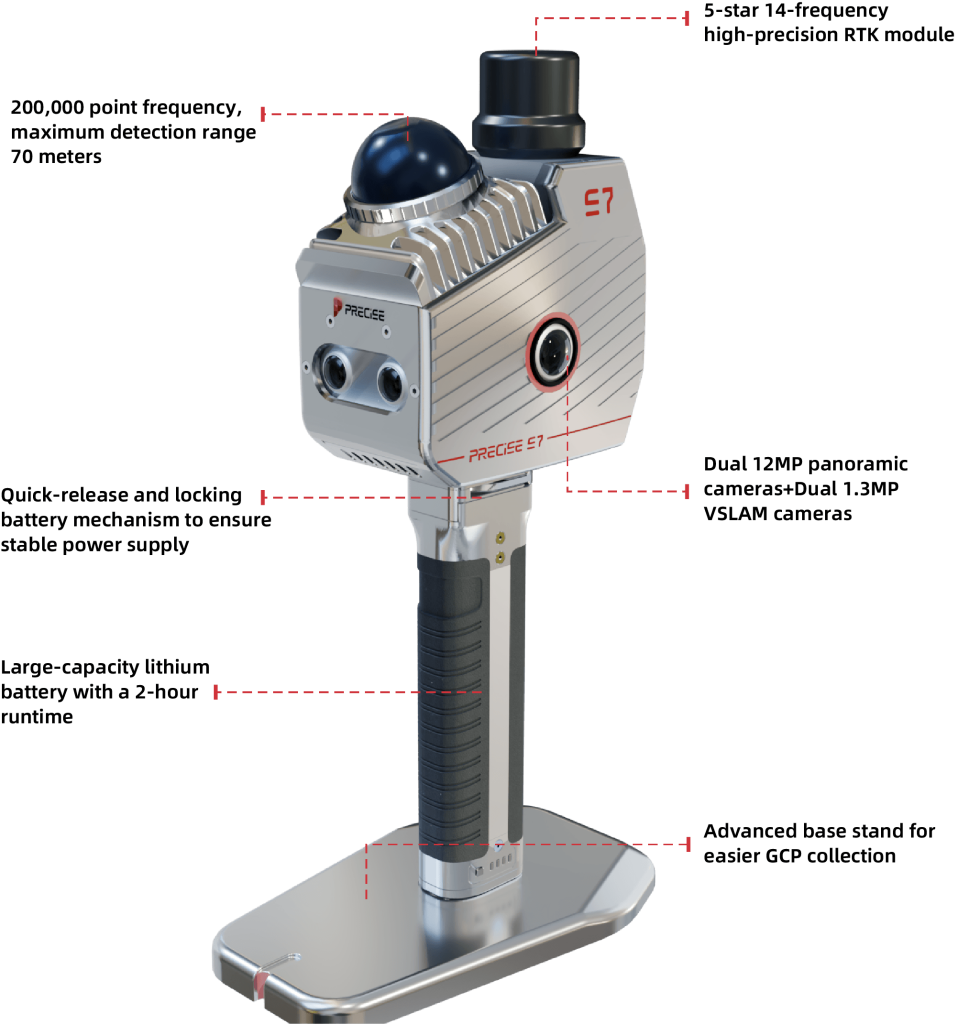
Dual 12 MP panoramic cameras
- 12-megapixel resolution ×2
- Scene reconstruction fidelity improved by 11%
Dual 1.3 MP visual SLAM cameras
- Enhanced mapping stability by 9%
- Reduced Environmental Interference
- Mapping accuracy improved by 20%
Real-Time Processing & Colorization
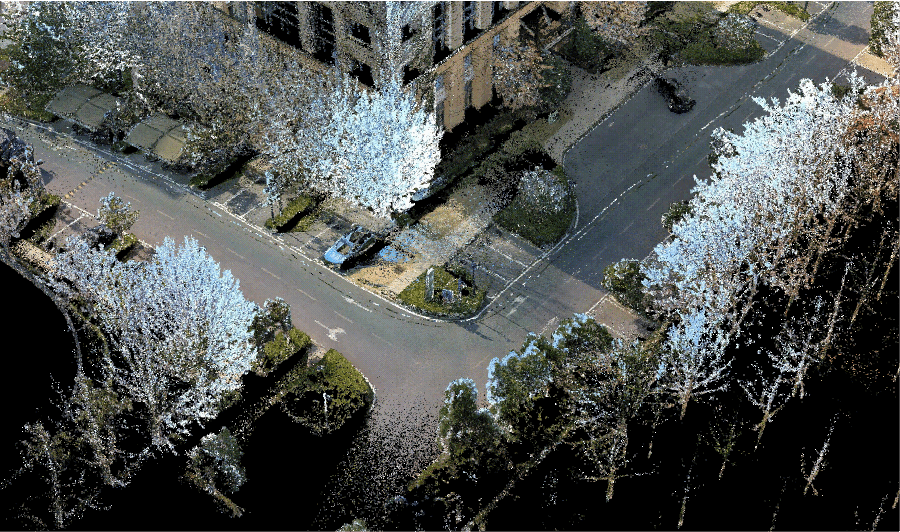
- Real-time computation with true-color point cloud
rendering - Data is ready for immediate export and use
Accuracy Performance
- Absolute accuracy: 5 cm (real-time)
- Absolute accuracy: 3 cm (post-processing)• Repeat accuracy: 2 cm
- Relative accuracy: 2 cm
- Horizontality / Verticality: 0.025°



One-time Data Collection
Multi-dimensional Output
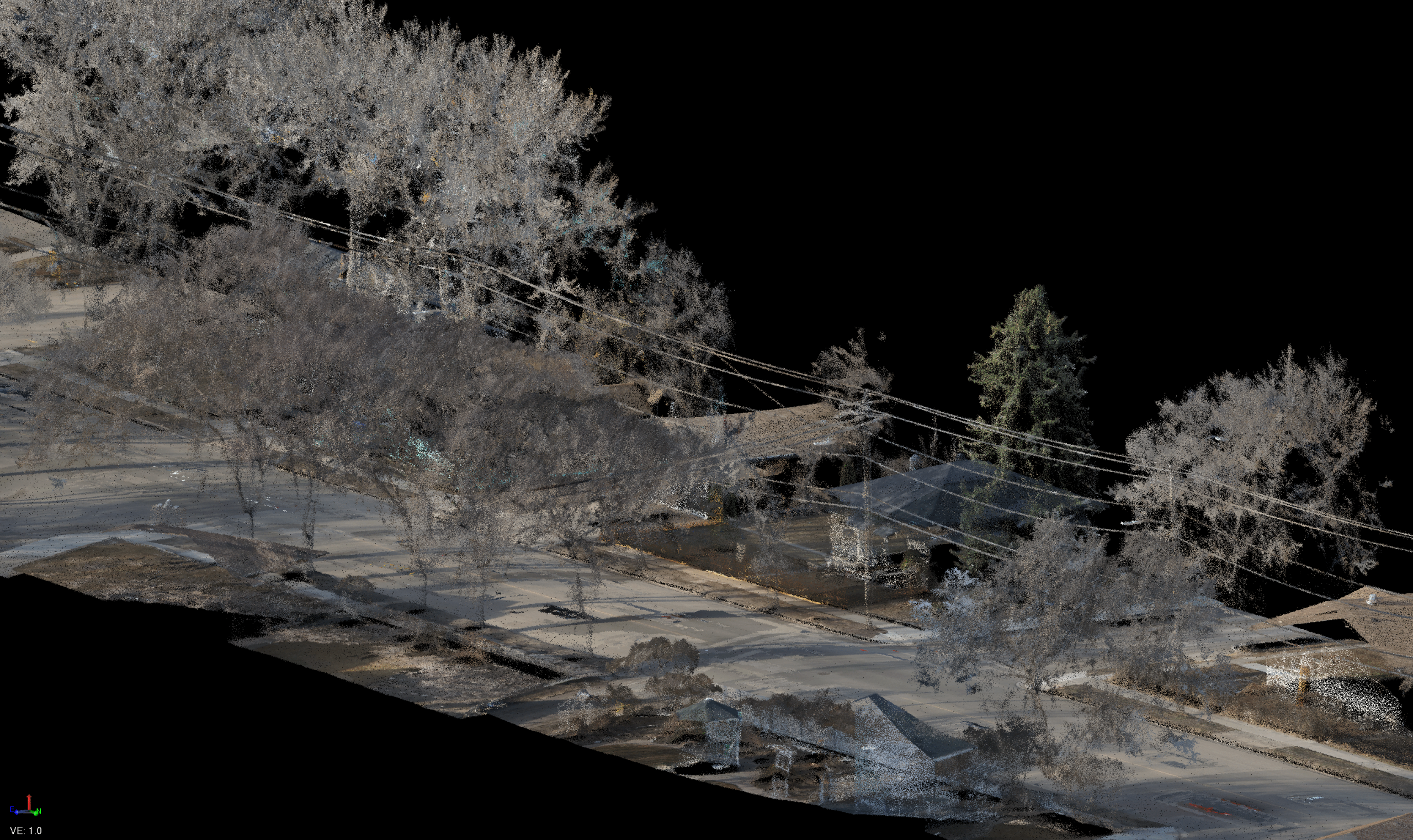
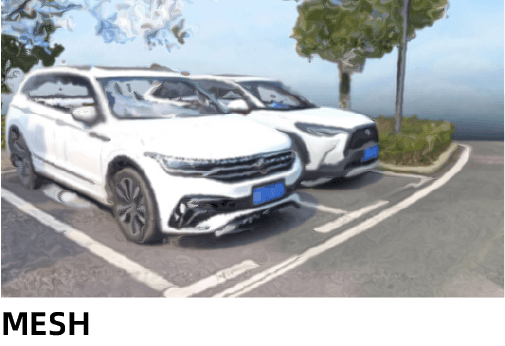
Single capture deliveries
- Colored point cloud
- Panoramic imagery
- 3D Gaussian Splatting (3DGS)
- MESH models
Core Benefits
- MLF multi-sensor fusion localization
- Breaks traditional SLAM’s dependence on environmental
features - High precision with high efficiency
- Optimized workflow for professional applications
Multi-Mode Operation Support
PRECISE S7 supports multiple positioning and processing modes to meet diverse project requirements:
- CORS mode
- Network RTK base station mode
- PPK mode
This flexibility ensures reliable data acquisition across different infrastructures and operating environments.
Supporting Software

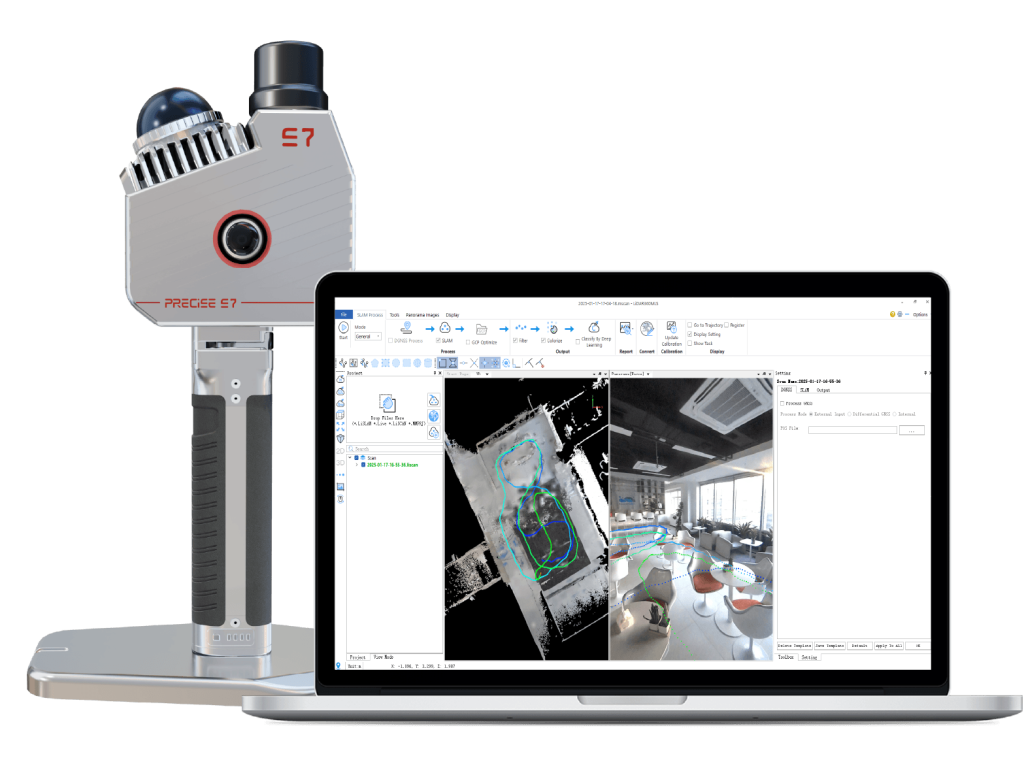
Process pro (PC)
Process pro is an intelligent software platform for 3D feature extraction and analysis, designed for efficient processing of mobile LiDAR point cloud and image data. It supports seamless integration with mainstream mobile mapping systems, including vehicle-mounted,vbackpack, and handheld devices, enabling flexible and reliable data processing across different collection platforms.
With a complete industry-oriented production workflow, Process pro supports applications such as holistic surveying and mapping, architectural drawing, 3D topographic mapping, road and railway inspection, urban forestry surveys, digital twin development, and HD map production. By enabling intelligent processing and standardized outputs, Process pro drives the evolution of 3D data processing into a new era of efficiency and precision.
Application Scenarios
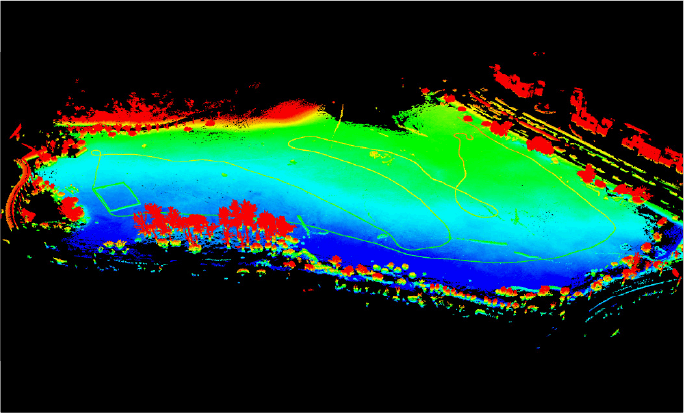
Open Scene Measurement
Data collection in weak/ featureless areas such as highway surveys, no-fly zones, reclamation areas, shoals, mines, and riverbank measurements.
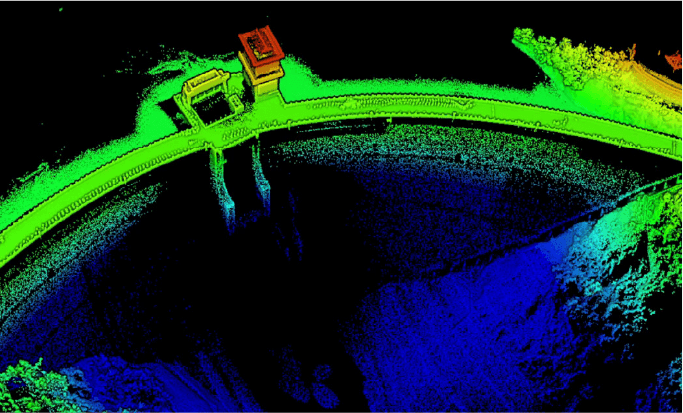
Topographic Surveying
Meets the demand for high-precision point clouds in topographic map revision, with final results (point cloud and MESH ) meeting 1:500 topographic map requirements.
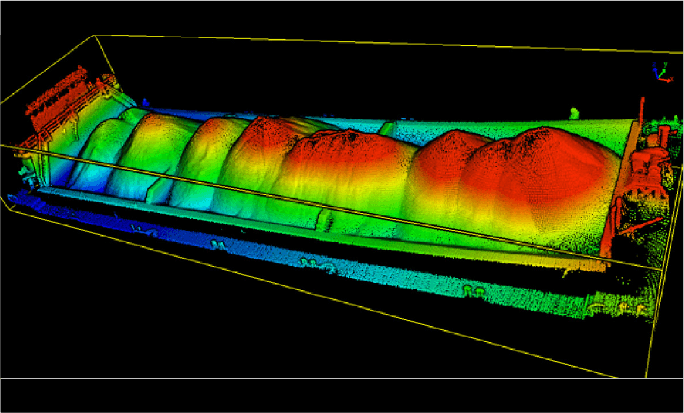
Stockpile Measurement
The real-time point cloud generated by the device can directly achieve high-precision volume measurement of stockpiles, with an accuracy of up to 1%. When used with an extendable pole, it can fully capture the 3D spatial data of stockpiles over 5 meters in height.
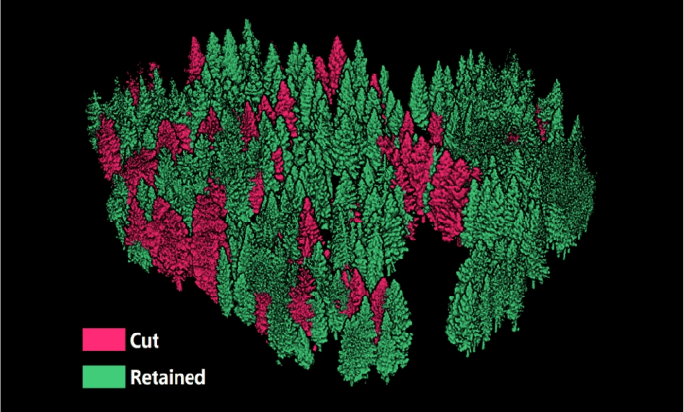
Forestry Survey
Handheld scanning of forest stands/ large forest areas is possible. Based on the LiDAR360 forestry module, it can quickly count the number of trees in forest stands/ large forest areas, as well as the position of individual trees, tree height, crown width, diameter at breast height, and tree species.
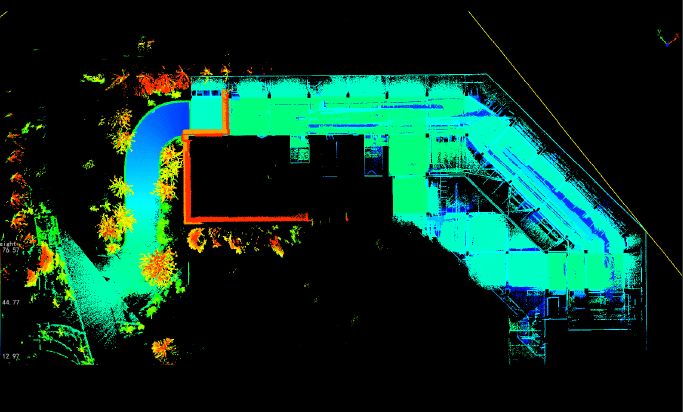
Underground Space Information Collection
Can be applied to the measurement of enclosed areas such as underground parking lots, power utility tunnels, air-raid shelters, shopping malls, caves, etc., providing accurate 3D spatial information for subsequent design and planning.
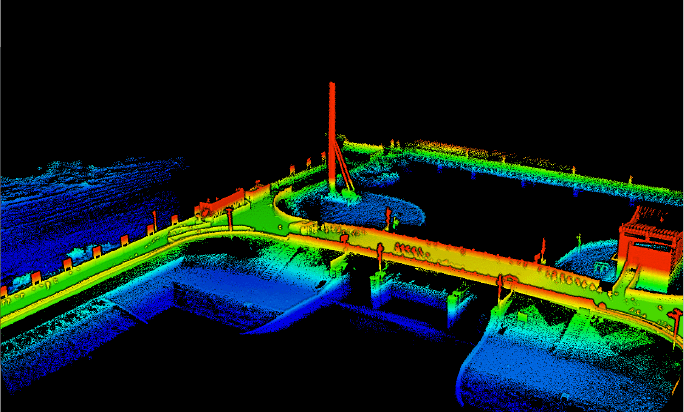
Construction Surveying
Pre-construction: site investigation, design review, construction plan optimization, etc. During construction: project progress monitoring, quality control, safety management, etc. Post-construction: completion acceptance, maintenance, asset management, etc.
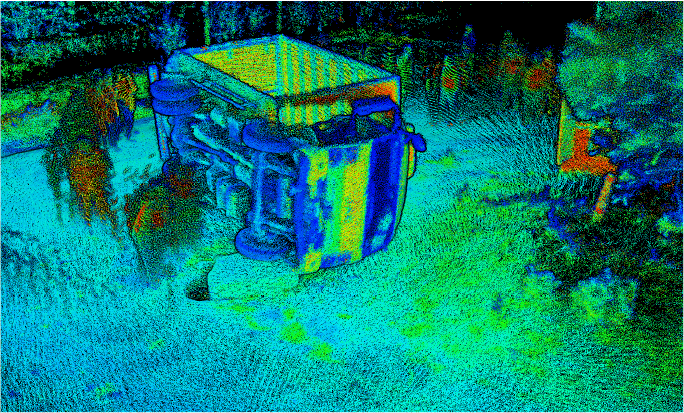
Traffic Accident Investigation
Can quickly and comprehensively acquire point cloud and photo data from the scene and generate realistic colored point cloud and 3DGS data to facilitate accident investigation and responsibility determination.
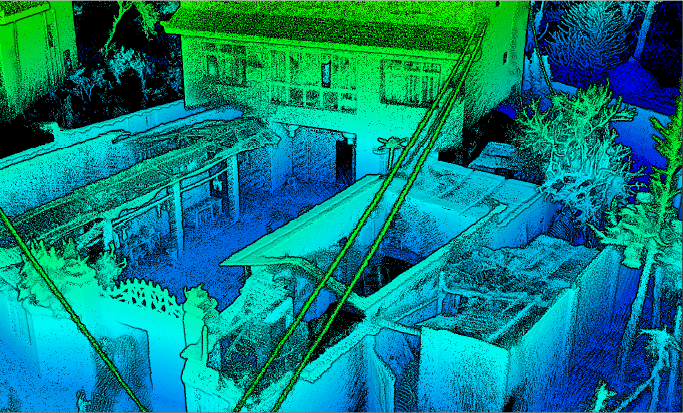
Emergency Firefighting
Fully utilize the advantages of S7’s rapid mapping capabilities, allowing firefighters to quickly understand the site layout. The collected data can also assist disaster investigators in qualitative and quantitative analysis.
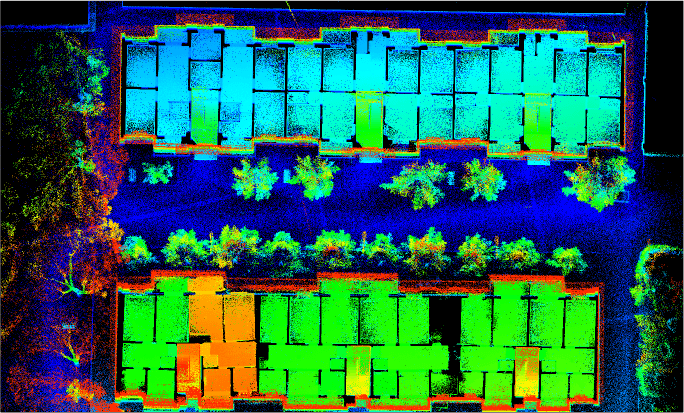
Real Estate Surveying
With its rapid and high-precision characteristics, S7 can quickly construct a 3D structure of the property, generating the original data needed for real estate surveying, providing reliable data support for real estate surveying, engineering audit settlement, renovation, and design.
Detail Specification
System Parameters
| Absolute Accuracy | <3 cm [1] |
| Relative Accuracy | <2 cm [2] |
| Repeat Accuracy | <2 cm [3] |
| Horizontality/Verticality° | <0.025° [4] |
| Power Supply Method | Lithium Battery Powered |
| Battery Capacity | 3450 mAh |
| Single Battery Life | 2.5 h |
| Weight | 1.3 kg (with base, battery, and RTK module) |
| Dimensions | 345×187×120 mm |
| Protection Level | IP64 |
| Storage Capacity | 512 GB SSD |
| Port | Type-C |
| Control Method | APP, Button |
| Firmware Upgrade Method | OTA, Offline |
| Operating Temperature | -30℃~65℃ |
| Device Storage Temperature | -40℃~70℃ |
| Battery Storage Temperature | 22℃ ~ 30℃[6] |
LiDAR Sensor Parameters
| Laser | HMid360 |
| Scan Rate | 200,000 pts/s |
| LiDAR Accuracy | 2 cm |
| Safety Level | Class 1 (Eye-safe) |
| Laser Wavelength | 905 nm |
| Detection Range | 40 m @ 10% reflectivity 70 m @ 80% reflectivity |
| FOV | Horizontal 360 ° Vertical -7 ° ~ 52 ° |
Camera Parameters
| Number of Cameras | 4 |
| Visual Camera | 1.3MP x 2 |
| Panoramic Camera | 12MP x 2 |
| Frame Rate | Adjustable |
Telescopic Pole Adapter
| Weight | 300 g |
| Supported Telescopic Pole Diameter | 25-25.5 mm[7] |
RTK Parameters
| Satellite Systems | 1BDS B1I, B2I, B3I,B1C,B2b; GPS L1C/A, L2C, L2P(Y), L5; GLONASS G1, G2 Galileo E1, E5a, E5b,E6*; QZSS L1C/A, L2C, L5 ; SBAS L1C/A |
| RTK Accuracy | Horizontal: 0.8 cm + 1 ppm Vertical: 1.5 cm + 1 ppm |
| Differential Data | RTCM V3.X |
| RTK Data Format | .rtk |
| Channels | 1408 |
| RTK Differential Protocol | NTRIP |
Mapping Method
| Mapping Principles | MLF-SLAM, PPK-SLAM, RTK-SLAM, SLAM |
| Real-Time Colorization | Supported |
| Real-Time Processing | 150 minSupported |
Output Specifications
| Colored Point Cloud | LAS, LiDATA |
| MESH | LOD-OSGB |
| Panoramic Image | imglist+jpg |
| Gaussian Splatting | lisplat, ply |
IMU Parameters
| Output Frequency | 200 Hz |
| Post-Processing Attitude Accuracy | roll/pitch: 0.005° Heading: 0.01° |
| Post-Processing Position Accuracy | Horizontal: 0.01 m Vertical: 0.02 m |
Frontpack Kit Parameters
| Weight | 2.1 kg |
| Outer Packaging Dimensions | 560 x 340 x 160 mm |
- Deviations may occur in some scenarios.
- • Two scans with GNSS, with GNSS disconnection not exceeding 100 meters.
- • Requires measurement of absolutely horizontal and vertical objects such as building walls and interiors;
- • Battery life tested at 20°C without camera recording or RTK connection.
- • -20°C to 45°C for <1 month; -20°C to 35°C for >1 month.
- • Only supports the outer diameter of the telescopic part in the range of 25-25.5 mm for RTK telescopic poles;
- The locking device does not support RTK telescopic poles with a protruding circular ring on the top contact surface.
What our customers are saying about us

Lukas Schneider
Germany
“The reliability of PRECISE S7 in low-texture environments makes it a practical tool for real-world surveying, not just controlled conditions.”
Carlos Méndez
Spain
“One scan is often enough to capture everything we need, which significantly improves our field efficiency.”
Piotr Kowalski
Poland
“PRECISE S7 performs exceptionally well in large indoor spaces like airports, where traditional SLAM systems struggle.”
Julien Moreau
France
“MLF-SLAM gives us confidence in environments where feature-based mapping is simply unreliable.”
Take the Leap to Superior Accuracy
Get Your PRECISE Today!
Unlock precision and efficiency with PRECISE. Order now and take your projects to the next level.
Don’t wait—transform your work today!
PRECISE social media:
PRECISE Sales Team: sales@precise-geo.com or clik
PRECISE Tech Team: support@precise-geo.com or clik
PRECISE Marcom Team: marcom@precise-geo.com or clik