
Introduction
Not all color point clouds are equally useful.
In indoor 3D scanning projects, color is not just a visual enhancement. It directly affects how the final data is understood, reviewed, and used.
High-quality true-color point clouds can support:
- Data interpretation
- Design communication
- Client deliverables
- Decision-making accuracy
- As-built documentation
- Indoor space review and planning
However, many teams encounter a common problem:
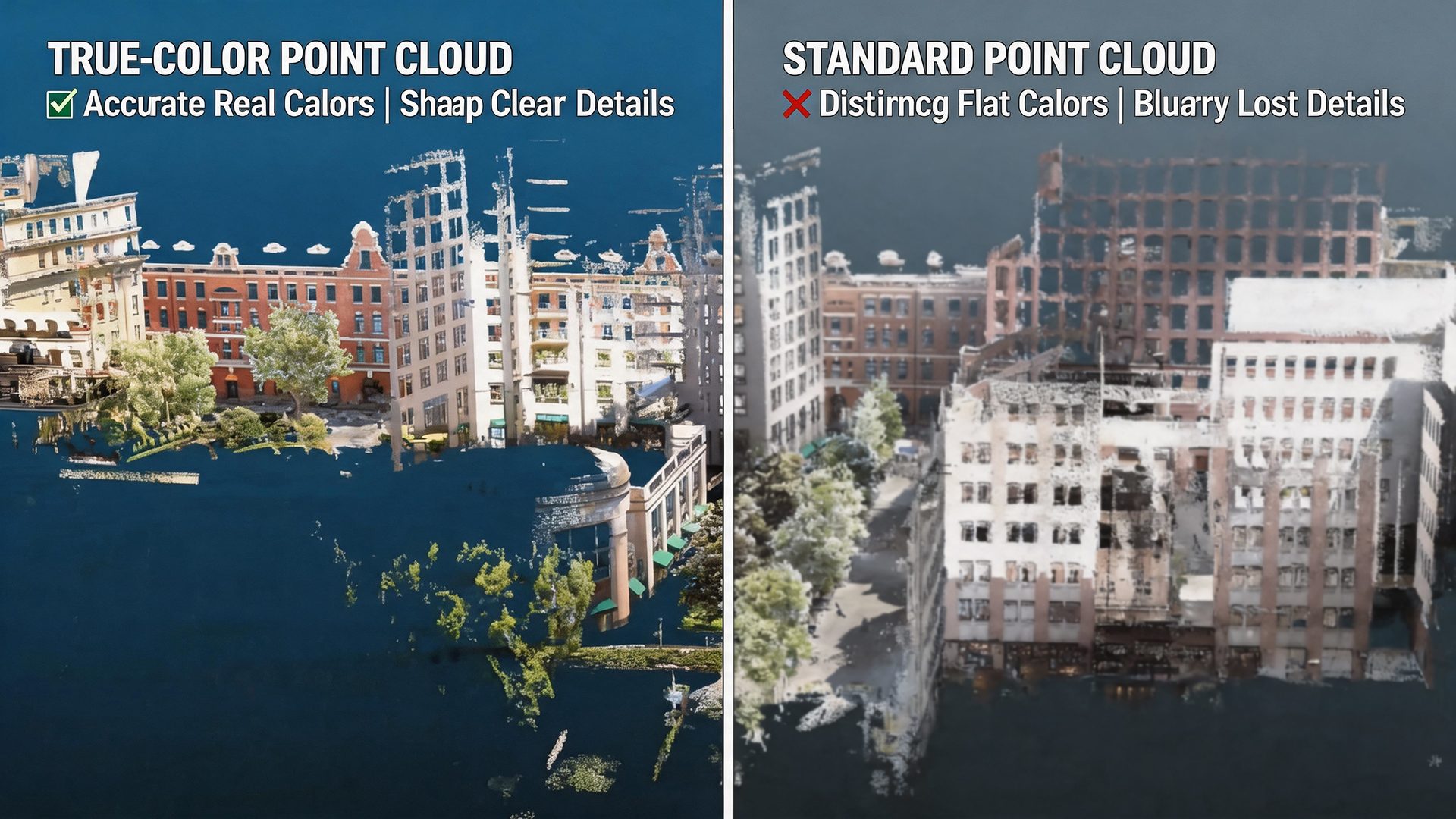
The geometry looks correct, but the color data is inconsistent, blurred, or misaligned.
When this happens, the final output may look visually incomplete or difficult to interpret, even if the point cloud geometry itself is usable.
This article explains how to capture high-quality true-color point clouds in indoor environments, and what factors determine whether your results are reliable, clear, and ready for practical use.
Why True-Color Point Clouds Are Harder to Get Right
Capturing geometry is one challenge. Capturing consistent and accurate color is another.
Indoor environments create several conditions that can make true-color point cloud capture more difficult.
1. Lighting Conditions Are Unpredictable
Indoor spaces often include different types of lighting within the same project area.
Common lighting challenges include:
- Low-light corners
- High-contrast zones near windows
- Reflections from glass, metal, or polished surfaces
- Mixed lighting sources
- Shadows from furniture, equipment, or interior structures
These conditions can easily affect color consistency and make some areas appear darker, brighter, or less accurate than expected.
2. Motion Affects Color Quality
Color quality is closely related to how the device moves during scanning.
If color capture is not well synchronized with movement, several issues may appear:
- Images may become blurred
- Color may not align correctly with geometry
- Surface details may become less reliable
- The final point cloud may look visually inconsistent
This is especially important in indoor scanning, where operators often move through narrow spaces, turn around corners, or pass through areas with changing lighting.
3. Sensor Misalignment
In some scanning workflows, geometry and color are captured or processed separately.
This can lead to problems such as:
- Color offset
- Inconsistent textures
- Misalignment between images and LiDAR data
- Reduced visual accuracy
- More time spent correcting results in post-processing
For true-color point clouds to be useful, color must align accurately with the spatial data.
4. Post-Processing Dependency
Some workflows rely heavily on post-processing to improve color results.
This may include:
- Manual color correction
- External alignment tools
- Additional stitching steps
- Repeated adjustment after export
While post-processing can help improve final output, relying too much on correction after capture increases processing time and introduces variability.
A better workflow should reduce uncertainty at the capture stage.
A Better Approach: Capture Color as Part of the Geometry Workflow
Instead of treating color as an add-on, a more reliable approach is to capture geometry and color as part of the same synchronized workflow.
The key idea is simple:
Capture geometry and color together as one integrated process.
This requires:
- Real-time integration between sensors
- Stable motion tracking
- Consistent exposure control
- Reliable color-to-geometry alignment
- Immediate visibility into capture quality
The goal is not only to “add color” to a point cloud.
The real goal is to produce visually accurate spatial data in one pass, so the final result is easier to interpret, share, and use.
Key Execution Steps
Step 1: Maintain Stable Movement During Scanning
Color quality depends heavily on motion consistency.
During indoor scanning, operators should keep movement smooth and controlled.
To improve true-color point cloud quality:
- Walk at a steady pace
- Avoid sudden rotations
- Keep the device orientation stable
- Reduce unnecessary stops and restarts
- Move smoothly when passing through corners or transitions
Stable movement helps maintain better synchronization between image capture and spatial data.
This reduces the risk of blurred color, misalignment, or inconsistent surface detail.
Step 2: Avoid Extreme Lighting Transitions
Indoor spaces often contain sudden lighting changes.
For example, an operator may move from a dim corridor into a bright lobby, or scan near windows where strong daylight enters the space.
When possible:
- Move gradually between dark and bright areas
- Avoid pointing directly at strong light sources
- Scan high-contrast areas more carefully
- Revisit difficult areas if color appears unclear
- Keep the scanning path smooth around windows, glass, or reflective surfaces
This helps maintain more consistent exposure and color balance across the point cloud.
Step 3: Capture Key Visual Details at an Optimal Distance
For areas where visual clarity matters, distance is important.
If the scanner is too far from a surface, color detail may become weaker. If the movement is too fast, small visual details may not be captured clearly enough.
For better results:
- Maintain an appropriate distance from important surfaces
- Avoid scanning critical details from too far away
- Move more carefully around signs, equipment, doors, finishes, or interior features
- Ensure enough detail coverage for areas that need visual review
- Use closer passes when the project requires higher visual clarity
Close-range capture can improve both color fidelity and detail resolution.
This is especially useful for renovation, documentation, interior review, and asset recording projects.
Step 4: Use Real-Time Visualization to Check Color Quality
Real-time preview helps operators identify problems before leaving the site.
With live visualization, operators can check whether the captured result appears complete, clear, and usable.
A real-time preview can help operators:
- Identify blurred or unclear areas
- Detect color inconsistencies
- Check whether important details are visible
- Confirm whether coverage is complete
- Adjust scanning behavior immediately
This reduces reliance on post-processing corrections and helps ensure that color issues are addressed during the scanning process.
Step 5: Ensure Continuous Sensor Synchronization
The quality of true-color point clouds depends on how well the system synchronizes multiple data sources.
Important factors include:
- Alignment between LiDAR and cameras
- Timing precision during capture
- Stable motion tracking
- Consistent sensor integration
- Accurate color-to-geometry matching
A well-integrated system maintains this synchronization during scanning, helping the final point cloud look more natural, accurate, and useful.
What Affects True-Color Point Cloud Quality
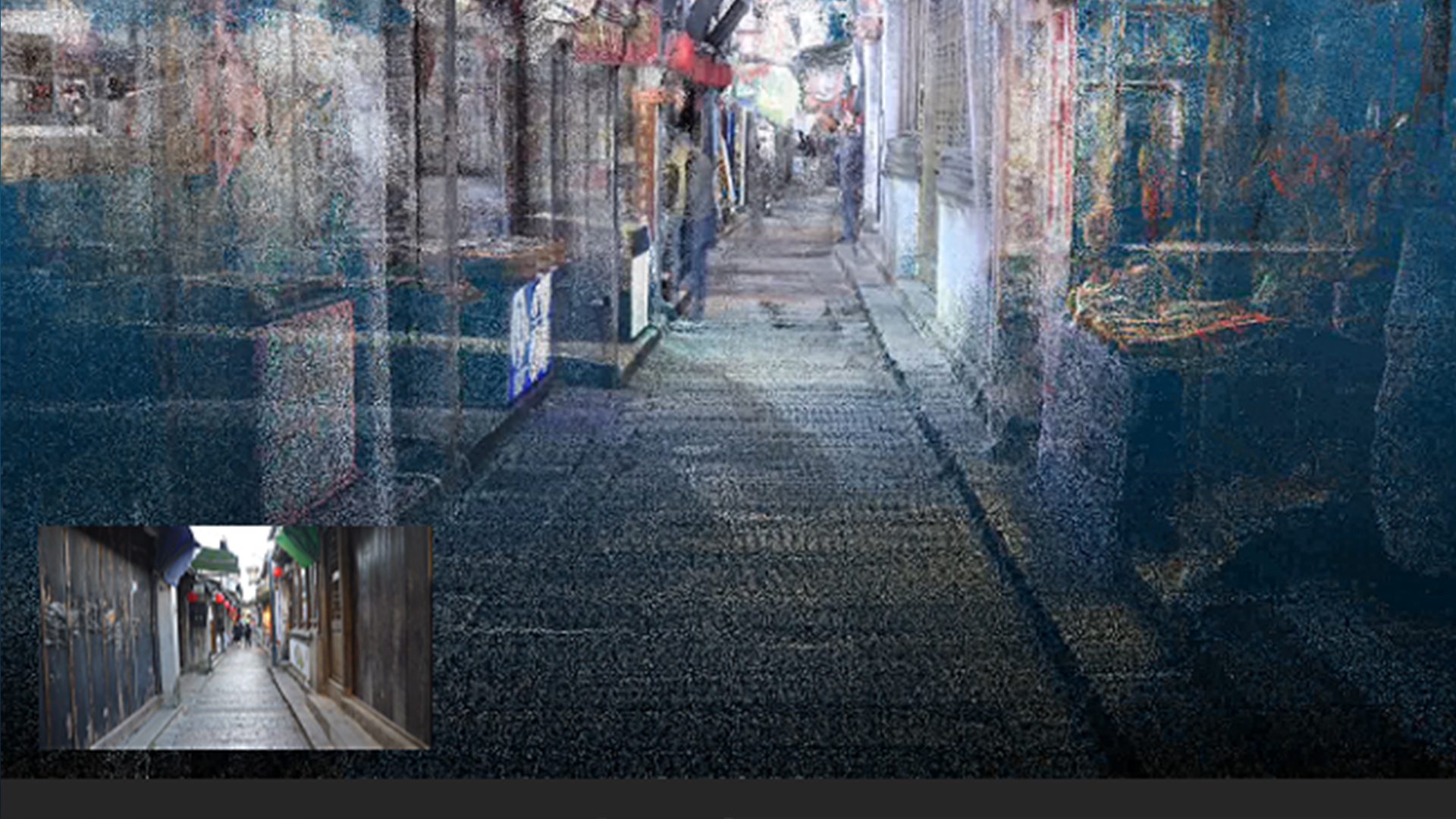
Several factors determine whether the final true-color point cloud is clear, reliable, and usable.
Sensor Synchronization Accuracy
Accurate synchronization between sensors improves color-to-geometry consistency.
When LiDAR data, camera images, and motion tracking are well aligned, the color appears more naturally attached to the geometry.
This reduces offset, distortion, and visual inconsistency.
Camera Quality and Shutter Type
The imaging system also affects color quality.
Higher-quality camera systems can help:
- Capture more accurate colors
- Improve surface detail
- Reduce motion distortion
- Support clearer visual interpretation
This is especially important for indoor projects where lighting conditions are not always ideal.
Motion Stability
Unstable movement directly affects both geometry and color alignment.
Sudden turns, rapid rotation, or inconsistent walking speed may reduce the quality of the final output.
Smooth operation helps maintain trajectory quality and visual consistency.
Environmental Conditions
Indoor conditions can strongly influence color capture.
Key factors include:
- Lighting level
- Reflections
- Surface materials
- Glass or transparent objects
- Dark corners
- High-contrast areas
- Mixed indoor lighting
Operators should consider these factors before and during scanning to improve final results.
Why Integrated True-Color Capture Makes a Difference
A handheld system designed for true-color reality capture combines multiple sensing technologies into one workflow.
This may include:
- LiDAR for precise geometry
- Vision-based positioning for trajectory stability
- High-resolution cameras for color detail
- Real-time preview for immediate validation
- Motion tracking for stable capture
When these components are tightly integrated, the workflow becomes more predictable and efficient.
In practical terms, this means:
- Color aligns more naturally with geometry
- No additional color stitching is required
- Data is easier to review on site
- Processing time can be reduced
- Final deliverables are more visually reliable
- Teams can work with greater confidence
This reduces both processing uncertainty and the risk of delivering visually incomplete results.
Where High-Quality True Color Matters Most
High-quality true-color point clouds are especially valuable when visual clarity is part of the project deliverable.
Typical application scenarios include:
- Interior design projects
- Renovation planning
- Building documentation
- As-built modeling
- Facility management
- Asset recording
- Commercial space digitization
- Retail space documentation
- Indoor project review and communication
In these cases, color is not just decoration.
It is part of the data.
Clear, accurate color helps project teams understand the space faster, communicate details more effectively, and make decisions with greater confidence.
Conclusion
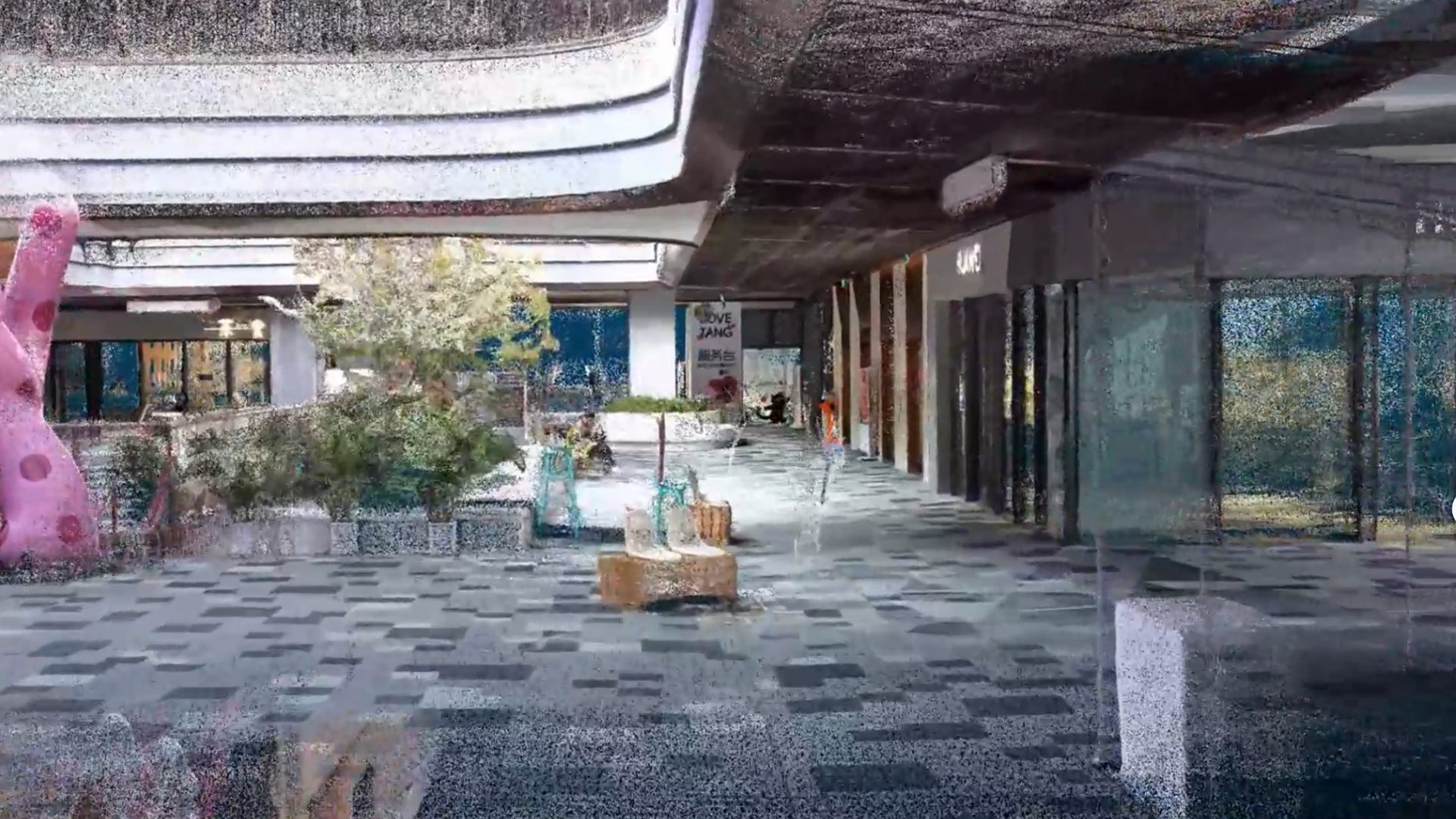
True-color point clouds are not defined only by whether color exists.
They are defined by whether the color is usable.
By focusing on stable movement, sensor synchronization, real-time validation, and integrated workflows, teams can capture high-quality color data more reliably in a single pass.
For indoor scanning projects, this means:
- Clearer visual interpretation
- More reliable color-to-geometry alignment
- Less dependence on post-processing correction
- Faster review and delivery
- More useful final point cloud outputs
The difference is not simply in adding color to the point cloud.
It is in capturing color correctly from the start.