
Introduction
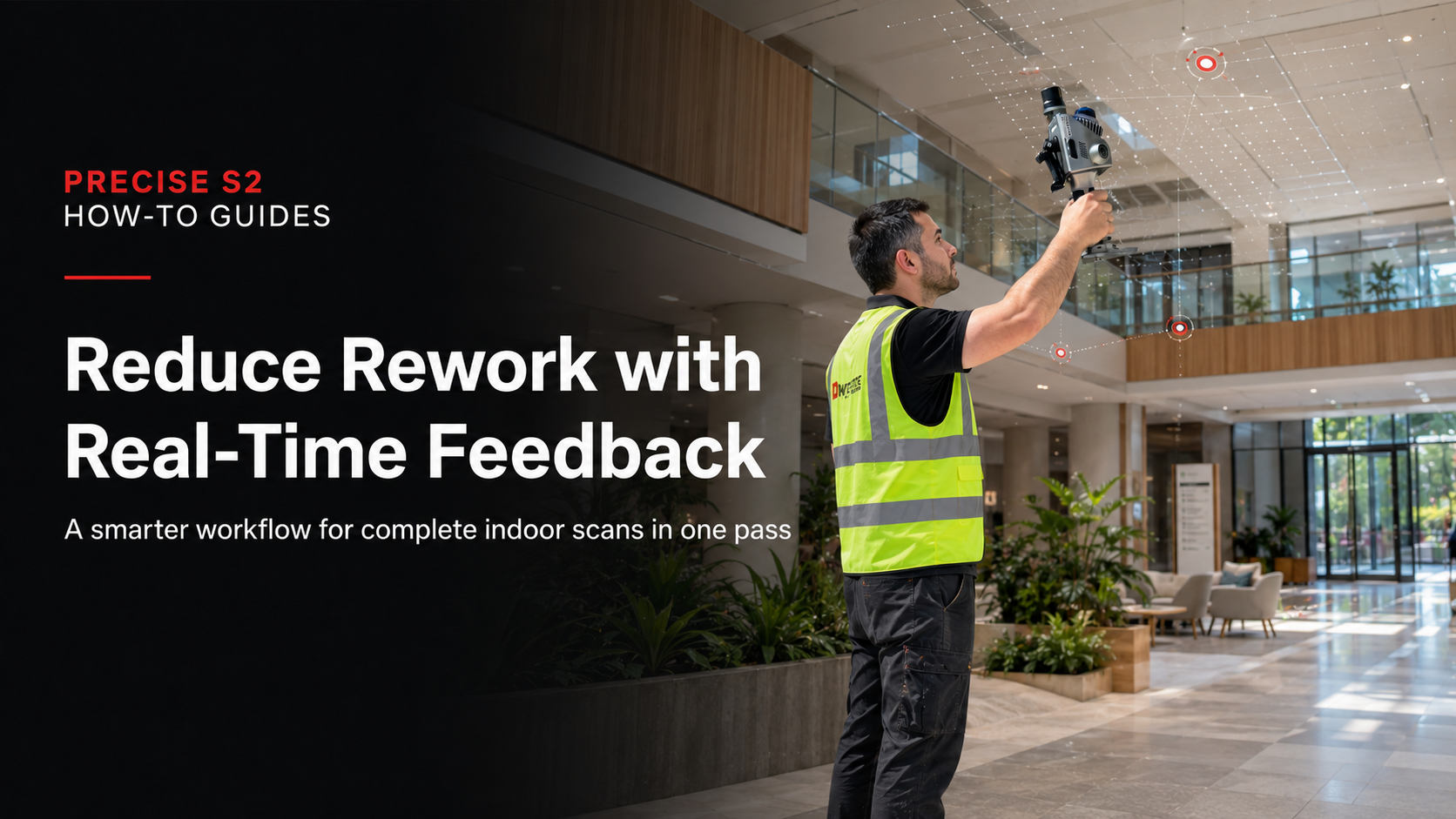
To reduce rework in indoor 3D scanning, teams need real-time feedback that helps them check coverage, identify missing areas, and confirm data completeness before leaving the site.
It rarely appears as a direct line item, but it can affect every part of the project workflow, including:
- Project timelines
- Labor efficiency
- Data reliability
- Client satisfaction
In many cases, the issue is not the scanning itself. The real problem is the delay between data capture and quality verification.
When coverage gaps, trajectory issues, or incomplete areas are only discovered after leaving the site, the cost of correction becomes much higher.
This article explains how to reduce rework in indoor 3D scanning projects by shifting from a post-check workflow to a real-time validation workflow.
Why Rework Happens in Indoor 3D Scanning Projects
Rework is rarely caused by a single mistake. It is usually the result of workflow gaps that make problems hard to identify during fieldwork.
1. No Visibility During Capture
Without real-time visibility, operators may not know whether the scan is complete while they are still on site.
They cannot clearly confirm:
- Whether all required areas have been captured
- Whether data density is sufficient
- Whether key corners, edges, or transitions are missing
- Whether the captured result is usable for later processing
This often leads to blind scanning, where teams only discover problems after the field task is finished.
2. Post-Processing Dependency
Many indoor scanning workflows still depend heavily on office-based checking.
This may include:
- Alignment after export
- Data stitching
- Quality checks during post-processing
- Manual correction after fieldwork
By the time issues are discovered, the site may no longer be accessible, or the project team may need to schedule another visit.
This turns a small missed area into a costly workflow delay.
3. Complex Indoor Environments
Indoor scenes often contain many factors that make scanning more difficult.
Common challenges include:
- Occlusions from equipment, walls, furniture, or partitions
- Narrow spaces and limited movement paths
- Repetitive structures such as corridors, ceilings, and similar rooms
- Transitions between different indoor areas
- Areas that are difficult to revisit once the task is completed
Missing even a small section can affect the completeness and reliability of the final dataset.
4. Fragmented Capture Logic
When scanning is completed in separated segments instead of a continuous workflow, the risk of rework increases.
Fragmented capture may lead to:
- More coverage gaps
- Inconsistent overlap
- Higher alignment risk
- More complicated post-processing
- Less confidence before leaving the site
For indoor 3D scanning projects, reducing rework starts with improving the field workflow itself.
A Better Approach: Real-Time Validation Instead of Post-Check
To reduce rework, the workflow needs to change at a fundamental level.
Do not wait until after scanning to validate the data. Validate it during scanning.
This means shifting from a traditional workflow:
Capture → Leave site → Process → Discover issues
to a more efficient workflow:
Capture → Check in real time → Adjust immediately → Complete in one pass
The key is real-time awareness of data quality and coverage.
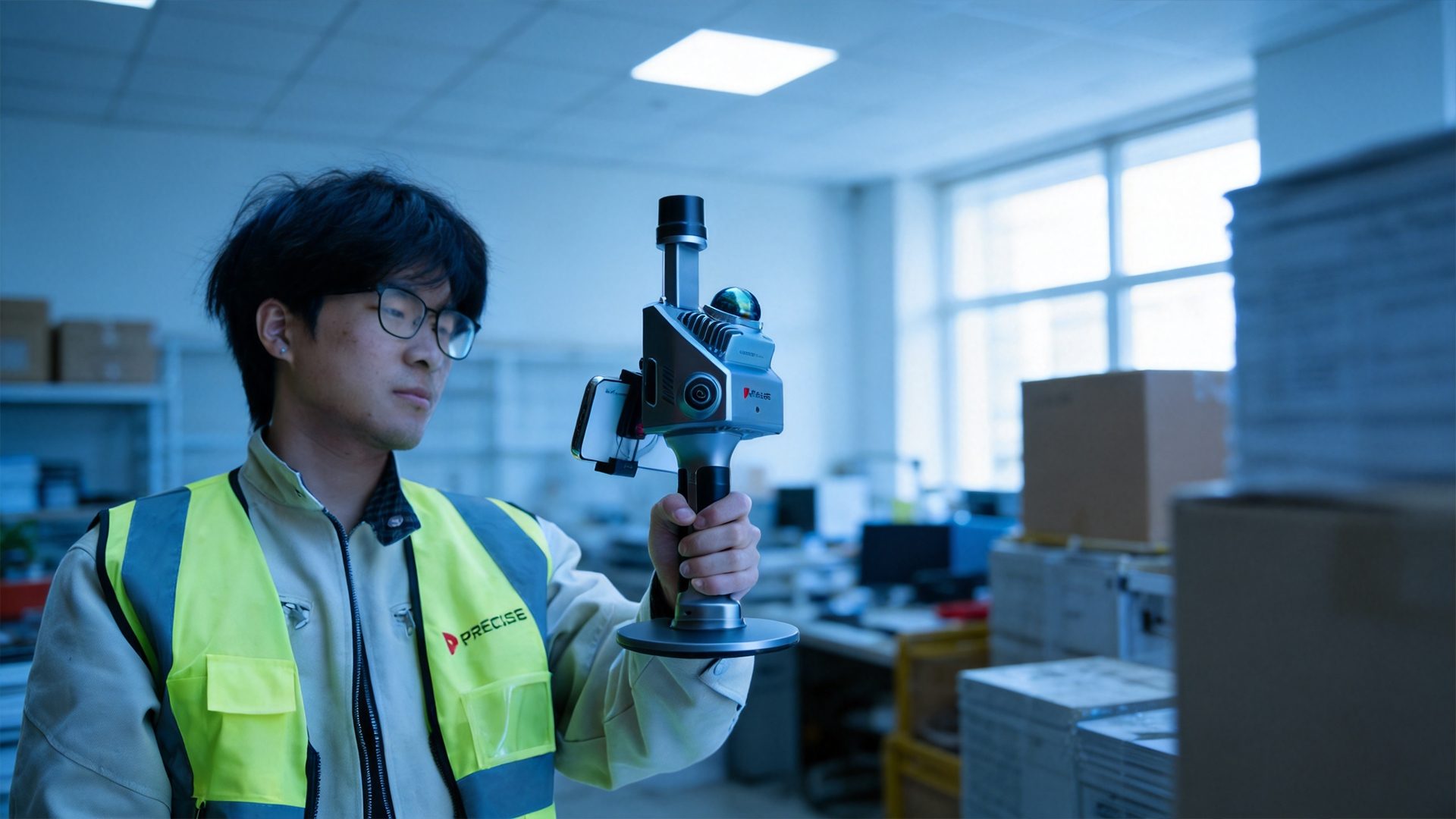
With real-time feedback, operators can understand what has already been captured, where potential gaps remain, and whether the scanning path needs to be adjusted before the task is finished.
Key Execution Steps
Step 1: Monitor Coverage While Scanning
Instead of scanning blindly, operators should continuously check the capture status during the task.
A real-time point cloud preview helps operators confirm:
- Which areas have already been captured
- Where gaps may exist
- Whether room-to-room transitions are complete
- Whether the scanning path is covering the required space effectively
This gives the operator immediate confidence and reduces the risk of discovering missing data later.
Step 2: Validate Critical Areas Immediately
Some indoor areas are more likely to cause rework because they are difficult to capture or revisit.
Operators should pay special attention to:
- Corners and edges
- Areas under or behind equipment
- Narrow passages
- Doorways and transition zones
- Spaces with occlusion or limited visibility
If something appears incomplete, it should be corrected immediately while the operator is still on site.
This is where real-time feedback becomes especially valuable: it turns checking into part of the capture process, not a separate task after scanning.
Step 3: Adjust the Path Based on Live Data
A fixed scanning plan is useful, but indoor spaces often require flexible adjustment.
Instead of following a rigid route, operators should adapt their path based on what the live data shows.
This may include:
- Adding short passes where data density is insufficient
- Adjusting movement around occluded areas
- Reducing unnecessary overlap
- Rechecking transitions between rooms
- Extending the path slightly to cover missed sections
This dynamic adjustment helps reduce both missing data and redundant scanning.
Step 4: Ensure Continuous Trajectory Stability
Rework is not always caused by missing data. In many cases, it comes from poor trajectory quality.
Unstable movement can affect alignment, increase drift, and reduce the reliability of the final point cloud.
To maintain stable trajectory quality, operators should:
- Avoid abrupt movements
- Keep a steady walking pace
- Maintain consistent device orientation
- Avoid sudden rotations
- Keep transitions between areas smooth
A stable trajectory helps improve overall dataset reliability and reduces the need for correction later.
Step 5: Confirm Completeness Before Leaving the Site
Before finishing the task, operators should review the full captured scene.
This final check should confirm:
- All required rooms and areas are covered
- No important sections are missing
- Critical corners and transitions are complete
- The captured data is sufficient for the intended deliverable
- No obvious gaps require immediate correction
This step helps prevent costly return visits and gives the team more confidence before leaving the site.
What Affects Rework Risk
Even with a better workflow, several factors can influence whether rework will occur.
Real-Time Data Visibility
Without immediate feedback, operators cannot make informed decisions during capture.
Real-time visibility allows the operator to identify gaps, check completeness, and make corrections while still on site.
Sensor Integration
Disconnected workflows increase the risk of inconsistency.
When geometry, color, positioning, and motion data are handled separately, the chance of misalignment or incomplete results becomes higher.
A more integrated workflow helps improve consistency from capture to output.
Scene Complexity
Highly cluttered or repetitive indoor environments require more attention during scanning.
Examples include:
- Plant rooms
- Renovation sites
- Commercial interiors
- Long corridors
- Spaces with many similar structures
- Areas with occlusion or limited movement paths
In these environments, real-time checking helps operators respond to complexity as it appears.
Operator Awareness
Technology can support the workflow, but operator awareness remains important.
Operators need to understand what complete data looks like, where missed areas are most likely to occur, and when additional passes are necessary.
Good scanning results depend on both system capability and disciplined field execution.
Why Real-Time Feedback Changes the Workflow
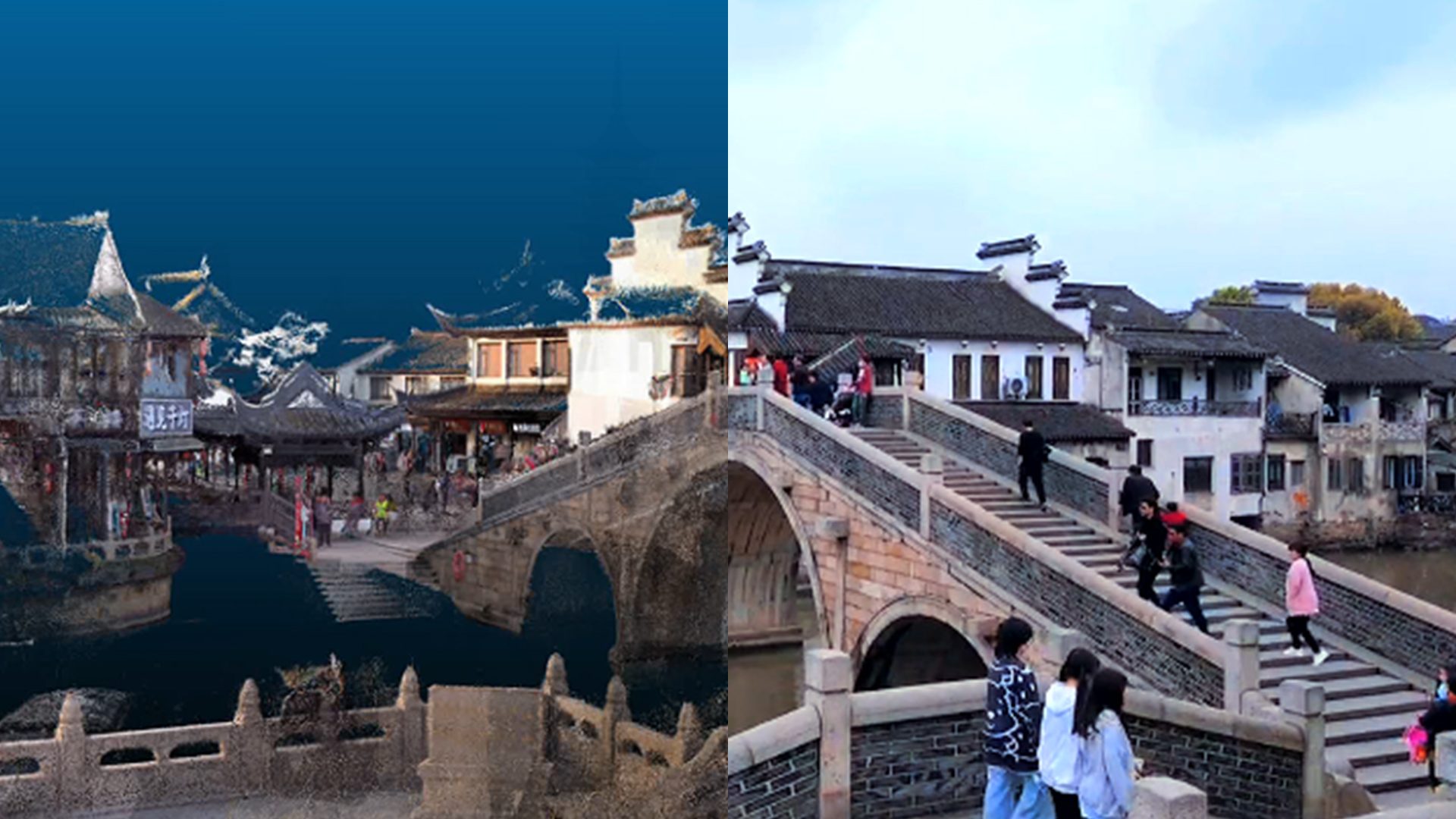
A system that provides real-time, true-color point cloud visualization changes how indoor scanning is performed.
Instead of guessing, operators can:
- See what has already been captured
- Identify gaps instantly
- Confirm coverage during the task
- Adjust the scanning path immediately
- Ensure data completeness before leaving the site
When real-time visualization is combined with LiDAR-based geometry capture, vision-assisted positioning, and high-frequency motion tracking, the workflow becomes more predictable and repeatable.
In practical terms, this can lead to:
- Fewer missed areas
- Reduced need for revisits
- More consistent project outcomes
- Lower post-processing pressure
- Greater confidence in final deliverables
The result is not only faster scanning, but a more reliable indoor scanning workflow.
Where This Approach Makes the Biggest Difference
Real-time validation is especially valuable in indoor scanning projects where revisits are difficult, costly, or time-sensitive.
Typical scenarios include:
- Indoor renovation projects
- Industrial facilities
- Plant rooms
- Commercial building documentation
- Complex interiors with multiple rooms
- Time-sensitive scanning jobs
- As-built documentation projects
- Sites with limited access windows
In these environments, avoiding even one return visit can significantly reduce project cost and improve delivery efficiency.
Conclusion
Rework in indoor 3D scanning is not just a technical issue. It is a workflow issue.
By shifting from post-processing validation to real-time feedback, teams can:
- Capture more complete datasets in one pass
- Reduce uncertainty during fieldwork
- Identify missing areas before leaving the site
- Reduce revisits and repeated scanning
- Deliver more reliable indoor scanning results
The most effective way to improve scanning efficiency is not only to scan faster.
It is to know, in real time, when the job is already complete.