
Introduction
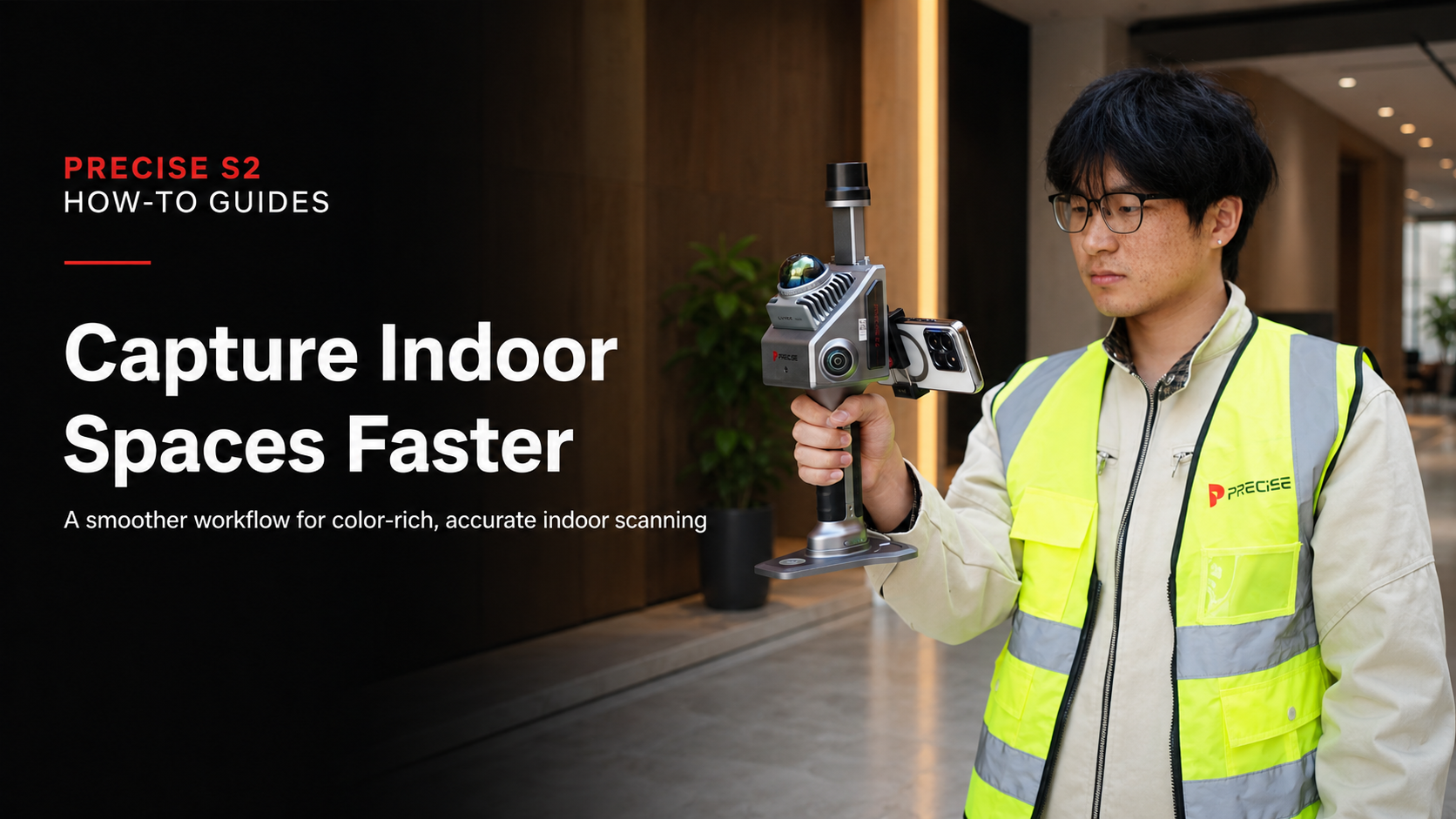
An efficient indoor 3D scanning workflow helps teams capture indoor spaces faster while maintaining color quality, spatial reliability, and practical field efficiency. From mechanical rooms and commercial interiors to renovation projects and as-built documentation, speed matters — but not at the cost of data quality.
In practice, many teams face a familiar trade-off:
- Move fast and risk incomplete or inconsistent data
- Slow down to ensure accuracy and lose productivity
The challenge is not just scanning. It is capturing usable, color-rich, and spatially reliable data in a single pass.
This article explains a more efficient workflow for indoor scanning, and how to maintain both speed and data quality without adding unnecessary complexity.
Why Conventional Indoor Scanning Workflows Slow Teams Down
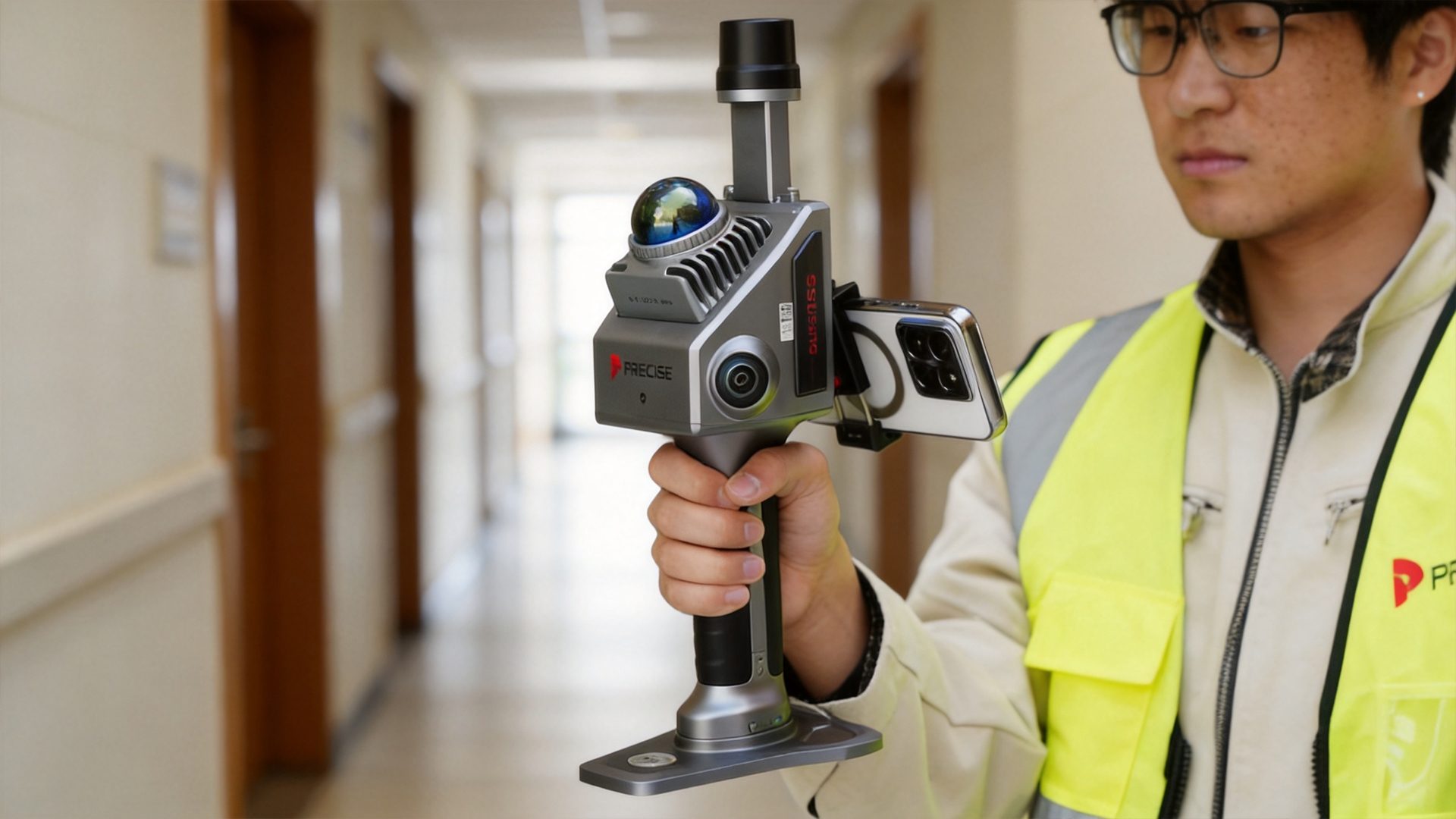
Indoor environments introduce a unique set of constraints that traditional workflows often struggle to handle.
1. Repetitive Structures and Weak Features
Corridors, walls, ceilings, and similar interior layouts often lack distinct features. This can make trajectory tracking less stable, especially when the operator moves through long or repetitive spaces.
2. Lighting Variability
Poor lighting, strong contrast, shadows, or mixed light sources can reduce visual data quality and affect the consistency of color reconstruction.
3. Fragmented Workflows
Many conventional workflows separate scanning, image capture, checking, and alignment into different steps. This may require:
- Separate geometry and color capture
- Additional post-processing alignment
- Manual correction or repeated checking
Each extra step increases total project time and creates more room for error.
4. Stop-and-Go Operation
Frequent pauses for repositioning, checking results, or adjusting equipment interrupt workflow continuity. Over time, these interruptions reduce efficiency and may increase the chance of missed areas.
A More Efficient Indoor Scanning Workflow
A more effective approach is to treat indoor scanning as a continuous, integrated capture process instead of a series of separated steps.
The key idea is simple:
Capture geometry, color, and trajectory together while maintaining stable movement.
This workflow focuses on three principles:
- Continuous motion instead of segmented scanning
- Real-time feedback instead of post-checking only
- Multi-sensor fusion instead of single-source dependence
For indoor environments where GNSS access is limited or unavailable, this approach helps teams complete scanning tasks faster while keeping deliverables consistent and usable.
Key Execution Steps
Step 1: Plan a Continuous Path, Not Isolated Scan Points
Before starting the scan, define a logical walking path that covers the full indoor space without unnecessary overlap.
A good path should:
- Cover rooms, corridors, and corners in a clear sequence
- Avoid abrupt turns or unnecessary backtracking
- Maintain consistent movement through the site
- Reduce repeated scanning of the same area
This improves trajectory stability and reduces post-processing complexity.
Step 2: Maintain Smooth and Consistent Movement
Instead of stopping frequently, operators should keep a steady walking rhythm.
During scanning, try to:
- Walk at a consistent pace
- Avoid sudden rotations
- Reduce rapid direction changes
- Keep the device orientation stable
Smooth motion is especially important in feature-poor indoor environments, where stable trajectory tracking directly affects the quality of the final point cloud.
Step 3: Use Real-Time Feedback to Adjust Coverage
Real-time point cloud preview helps operators understand whether the scan is covering the target area properly.
With real-time feedback, operators can:
- Identify missed areas immediately
- Adjust the path during scanning
- Avoid rescanning entire sections later
- Improve confidence before leaving the site
This reduces rework and helps teams complete indoor capture tasks more efficiently.
Step 4: Capture Color and Geometry Together
Separating color capture from geometry collection can introduce alignment issues and add extra processing time.
A more efficient workflow is to capture both during the same operation.
To improve results:
- Capture true-color data during scanning
- Keep sensor movement stable
- Avoid unnecessary stops when passing through important areas
- Maintain lighting consistency when possible
When geometry and color are captured together, the final deliverable becomes easier to process, review, and use.
Step 5: Minimize Workflow Interruptions
Frequent interruptions can slow down the entire scanning process.
Operators should avoid unnecessary stops for:
- Repeated data checks
- Excessive device adjustments
- Re-initialization
- Unplanned route changes
A continuous workflow helps improve total project speed while reducing the chance of missing key areas.
What Affects Indoor Scanning Results
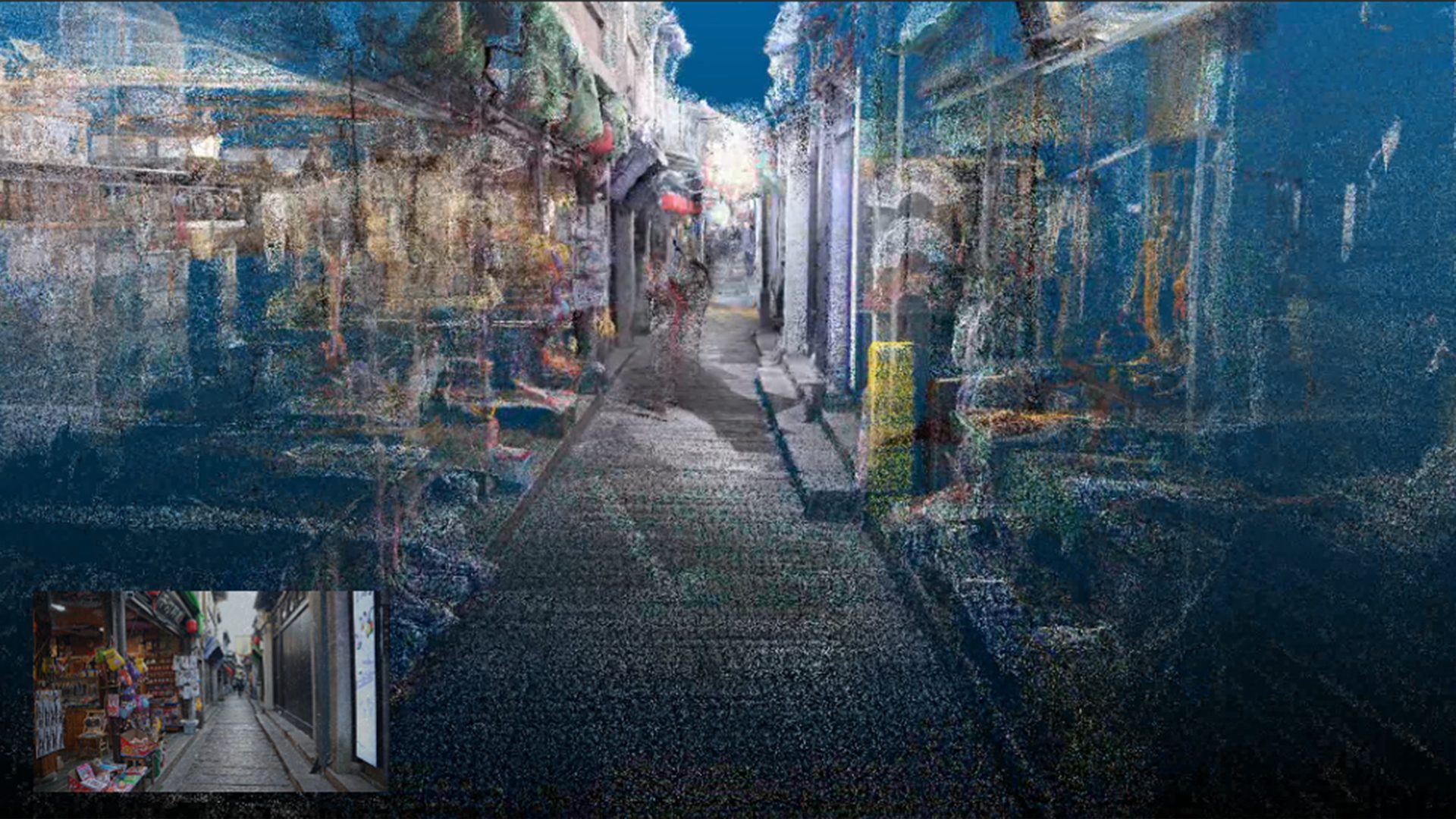
Even with an optimized workflow, several factors can directly influence the final result.
Trajectory Stability
Stable movement helps improve alignment, reduce drift, and maintain the reliability of the point cloud.
Sensor Synchronization
Proper synchronization between LiDAR, cameras, IMU, and positioning sensors helps maintain consistency between geometry and color data.
Environmental Conditions
Indoor scanning results may be affected by:
- Lighting consistency
- Reflective surfaces
- Transparent glass
- Narrow corridors
- Repetitive walls or ceilings
- Complex equipment rooms
Understanding these conditions before scanning helps operators adjust their route and movement more effectively.
Operator Discipline
Even advanced systems still rely on controlled operation.
Good results depend on:
- Logical path planning
- Smooth walking speed
- Stable device handling
- Awareness of coverage and blind spots
Why This Workflow Works Better in Practice
This workflow matches how modern handheld multi-sensor scanning systems are designed to operate.
A system that combines LiDAR, visual positioning, cameras, and IMU can support continuous indoor capture more effectively than workflows that rely on separate capture and correction steps.
In practical terms, this means:
- No need to separate scanning and color capture
- Less dependency on GNSS in indoor environments
- Better visibility into data quality during operation
- Faster completion with fewer return visits
- More consistent results for project delivery
The improvement is not only about scanning faster. It is about reducing workflow friction from the beginning of the task to the final deliverable.

Where This Workflow Delivers the Most Value
This method is particularly useful for indoor environments where speed, coverage, and color-rich documentation are all important.
Typical application scenarios include:
- Indoor building documentation
- Mechanical, electrical, and plant rooms
- Commercial interiors
- Retail spaces
- Renovation projects
- As-built documentation
- Complex indoor areas with limited GNSS access
In these scenarios, efficiency gains are not just incremental. They can directly affect project schedules, labor costs, and the reliability of final deliverables.
Conclusion
Indoor scanning efficiency is not simply about moving faster. It is about reducing workflow friction.
By shifting from a fragmented process to a continuous, sensor-integrated workflow, teams can:
- Capture more data in less time
- Maintain consistency across projects
- Reduce rework and post-processing effort
- Improve confidence in indoor deliverables
For indoor reality capture, the real improvement comes from how the task is executed — not just from the tool being used.
A smooth, continuous, and integrated workflow helps teams capture indoor spaces faster while still maintaining color quality, spatial reliability, and practical field efficiency.